A Complete Guide to Image Optimization for E-commerce
A potential customer lands on your product page, interested in a new pair of sneakers. They wait one, two, three seconds for the main image to load. Frustrated, they click back and buy from a competitor. This scenario happens frequently and is often caused by a single, overlooked issue: unoptimized images. Large, heavy image files slow down your e-commerce site, directly harming the user experience and costing you sales. Optimizing your visual content is not just a technical task; it is a critical business strategy that impacts everything from page speed and SEO rankings to customer engagement on social media.
This guide provides a direct path to optimizing your product photos and other visuals for performance. You will learn how to choose the right file formats, write effective alt text that search engines understand, and prepare images that capture attention on platforms like Instagram and Pinterest. The goal is to make your images work for you, improving your site’s speed and helping you convert more visitors into customers.
Choosing the Right File Format and Compression
The technical foundation of image optimization begins with selecting the correct file format. For e-commerce, the choice you make directly affects both visual quality and loading speed. Each format serves a different purpose, and using the right one is essential for a fast, professional-looking online store.
- JPEG (or JPG): This is the standard for most product photography. JPEGs handle complex colors and gradients well, making them ideal for detailed photos of clothing, electronics, or furniture. They use lossy compression, which means some data is discarded to reduce file size, but you can usually find a good balance between quality and size.
- PNG: Use PNG when you need a transparent background. This is common for logos, icons, or product photos that will be placed on colored backgrounds. PNGs use lossless compression, preserving all image data, which results in higher quality but also larger file sizes. Reserve them for situations where transparency is a must.
- WebP: Developed by Google, WebP is a modern format that offers superior compression compared to both JPEG and PNG. It supports both lossy and lossless compression, as well as transparency and animation. A WebP image can be around 25-35% smaller than an equivalent JPEG without a noticeable drop in quality. Most modern browsers support it, making it an excellent choice for improving performance on platforms like Shopify.
- AVIF: This is the newest format, offering even better compression than WebP. While its quality-to-size ratio is impressive, browser support is still growing. Consider using AVIF for forward-thinking optimization, but always provide a WebP or JPEG fallback.
Once you choose a format, you must compress the image. Compression reduces the file size, which is measured in kilobytes (KB) or megabytes (MB). For web use, aim to keep most product images under 200 KB. You can achieve this using tools like the RoundCut Compressor, which reduces file size while maintaining visual clarity. For example, a 1.5 MB product photo from a professional camera can often be compressed to 150 KB with minimal quality loss, resulting in a page that loads ten times faster.
Image SEO: Helping Search Engines Find Your Products
Search engines cannot see images like humans do. They rely on textual information to understand what an image contains and how it relates to a search query. Proper image SEO helps your products appear in Google Images and can improve your overall page ranking. The two most important elements are the file name and the alt text.
Before you upload any image to your store, change its file name from a generic camera default like “IMG_7890.jpg” to something descriptive and relevant. A good file name acts as your first clue to search engines. For a product photo of a red leather wallet, a poor file name is “photo1.jpg.” A much better one is “red-leather-bifold-wallet.jpg.” It is specific, includes keywords, and uses hyphens to separate words.
Writing Effective Alt Text
Alt text (alternative text) is an HTML attribute that describes an image. It serves two main purposes: it is read aloud by screen readers for visually impaired users, and it provides context to search engine crawlers. Your alt text should be a concise, accurate description of the image that naturally includes your target keyword.
Imagine you sell handmade ceramic mugs on Mercado Livre. For an image of a blue mug with a white floral pattern, you could write the following:
Poor Alt Text: “mug”
Good Alt Text: “Handmade blue ceramic coffee mug with white floral pattern”
This description is specific, useful for accessibility, and contains relevant keywords like “ceramic coffee mug” and “blue.” It gives search engines a clear understanding of the product, increasing its chances of appearing in relevant search results.

Preparing Images for Social Media and Marketplaces
Images that perform well on your website may not work on social media. Each platform has its own optimal dimensions, and using the wrong size can lead to awkward cropping or low-quality display. For an e-commerce business, visual consistency and appeal on platforms like Instagram and Pinterest are critical for driving traffic and sales.
Always create platform-specific versions of your key visuals. A square (1:1 aspect ratio) image is ideal for an Instagram feed post, while a vertical (2:3 aspect ratio) image performs best on Pinterest. For Facebook, a landscape (1.91:1) image is standard for shared links. Failing to adapt your images makes your brand look unprofessional. For instance, if your main product photo is a wide rectangle, Instagram will crop it into a square, potentially cutting off important parts of your product.
Beyond dimensions, consider the context. On Instagram, lifestyle shots showing your product in use often perform better than simple studio shots. For Pinterest, creating a graphic with a text overlay that highlights a benefit (e.g., “Free Shipping” or “5 Ways to Style This Scarf”) can significantly increase clicks and saves.
Improving User Experience with High-Quality Visuals
Technical optimization gets users to your page, but image quality keeps them there. Your product photos must be sharp, clear, and professional to build trust and encourage purchases. A blurry or poorly lit image suggests a low-quality product or an untrustworthy seller.
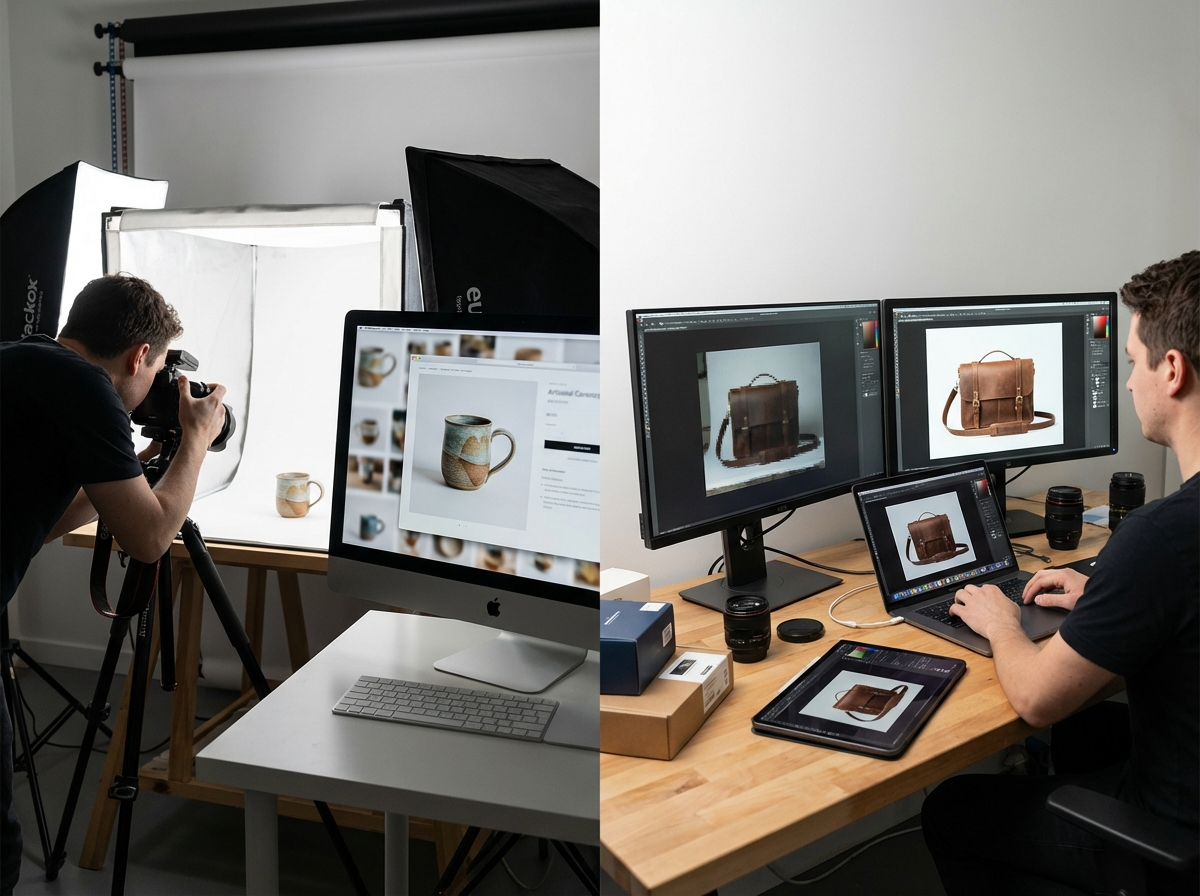
Consistency is key. All product photos on a category page should have a similar style, lighting, and background. A clean, non-distracting background helps the product stand out. For many marketplaces and professional product listings, a pure white background is the standard. You can achieve this easily without complex software. For example, after taking a photo, you can use an online tool like the RoundCut Background Remover to get a clean, white background in seconds.
Provide multiple images for each product to show different angles, close-ups of details, and the item in context. A high-resolution zoom feature is also important, as customers want to inspect the texture of a fabric or the details of a piece of jewelry. Allowing them to do so replicates the in-person shopping experience and can be the deciding factor in a purchase.
Advanced Performance: Responsive Images and Lazy Loading
To ensure your site is fast for every user, you need to serve images that are appropriately sized for their device. A large, high-resolution image designed for a 27-inch desktop monitor should not be loaded on a small smartphone screen. Doing so wastes bandwidth and slows down loading time significantly. The solution is to implement responsive images using the HTML `srcset` attribute.
The `srcset` attribute allows you to provide a list of different-sized versions of an image. The browser then automatically selects the most appropriate one based on the user’s screen size and resolution. Many modern e-commerce platforms, including Shopify, handle this automatically, but it is important to verify that your theme supports it. This single technique can drastically improve mobile performance.
Another powerful technique is lazy loading. By default, a browser tries to load all images on a page at once, including those that are not yet visible. Lazy loading defers the loading of off-screen images until the user scrolls down to them. This speeds up the initial page load time, especially for long category pages with dozens of products. It improves the perceived performance because the content the user sees first appears much faster.
Optimizing your images is not a one-time task but an ongoing process that yields significant returns in site speed, SEO, and sales. Instead of feeling overwhelmed, start small. Go to one of your most important product pages right now and check three things: the file size of the main image, the descriptiveness of its file name, and the clarity of its alt text. Making just these three adjustments can lead to a measurable improvement in performance and visibility.
Comprima imagens sem perder qualidade