AVIF vs WebP: Choosing the Best Image Format for 2026
Ever heard of AVIF and WebP? They’re modern image formats built specifically for the web, offering way better compression and quality than old-school JPEGs and PNGs. The bottom line is that using them can dramatically shrink your image file sizes. This means faster page loads and a much smoother experience for your visitors, all without losing that crisp visual clarity.
Think about your website’s product photos. They might look sharp, but if they’re heavy JPEGs, they’re almost certainly slowing down your pages and, honestly, costing you sales. It’s a known fact—HTTP Archive data shows that visuals are often the biggest culprit for page bloat. A slow page is a frustrating page. It sends potential customers straight to your competitors before they even get a chance to see your stuff. So, switching to modern formats isn’t just some techy tweak; it’s a smart investment in keeping your users happy and boosting your conversions.
Why Move Beyond JPEG and PNG?
Look, JPEG and PNG have been the go-to formats on the web for ages, but they were built for a totally different internet. JPEG is great for photos but can get blocky when you compress it too much. PNG is perfect for graphics that need a transparent background, though it creates huge files for complex pictures. The reality is, neither was designed for today’s world of high-res screens and mobile browsing, where every single kilobyte matters.
The main reasons to adopt these newer standards are all about performance and features:
- Faster Pages: Smaller visuals download quicker. Simple as that. This directly impacts key performance metrics like Largest Contentful Paint (LCP), a major factor in Google’s Core Web Vitals. A faster site provides a better user experience and can get a nice boost in search rankings. You can learn more about this in our guide to page speed optimization.
- Saving on Bandwidth: Plus, sending smaller files saves data for your users on mobile connections and cuts down your own server bandwidth costs.
- Better Quality, Smaller Files: Modern compression algorithms are just plain smarter. They can maintain impressive visual fidelity at file sizes that would make a JPEG look like a blurry, pixelated mess.
- Cooler Features: On top of that, formats like AVIF support things such as High Dynamic Range (HDR) and wider color gamuts, allowing for more vibrant and realistic images.
What Is WebP?
WebP is Google’s answer to slow-loading images. It was designed from the ground up to create smaller, richer visuals that speed up the web. It’s a real jack-of-all-trades, supporting both lossy and lossless compression, plus animation and transparency. Think of it as a single replacement for both JPEG and PNG, but way more efficient. In my experience, e-commerce sites can see a 30-40% file size drop just by switching from JPEG to WebP, without any noticeable loss in quality. It’s a huge win.
According to Google’s own data, lossless WebP images are up to 26% smaller than PNGs, while lossy WebP images are 25-34% smaller than comparable JPEGs. But its biggest advantage? Universal support. Pretty much every modern browser can handle WebP, which makes it a super safe and reliable choice for any site.
What Is AVIF?
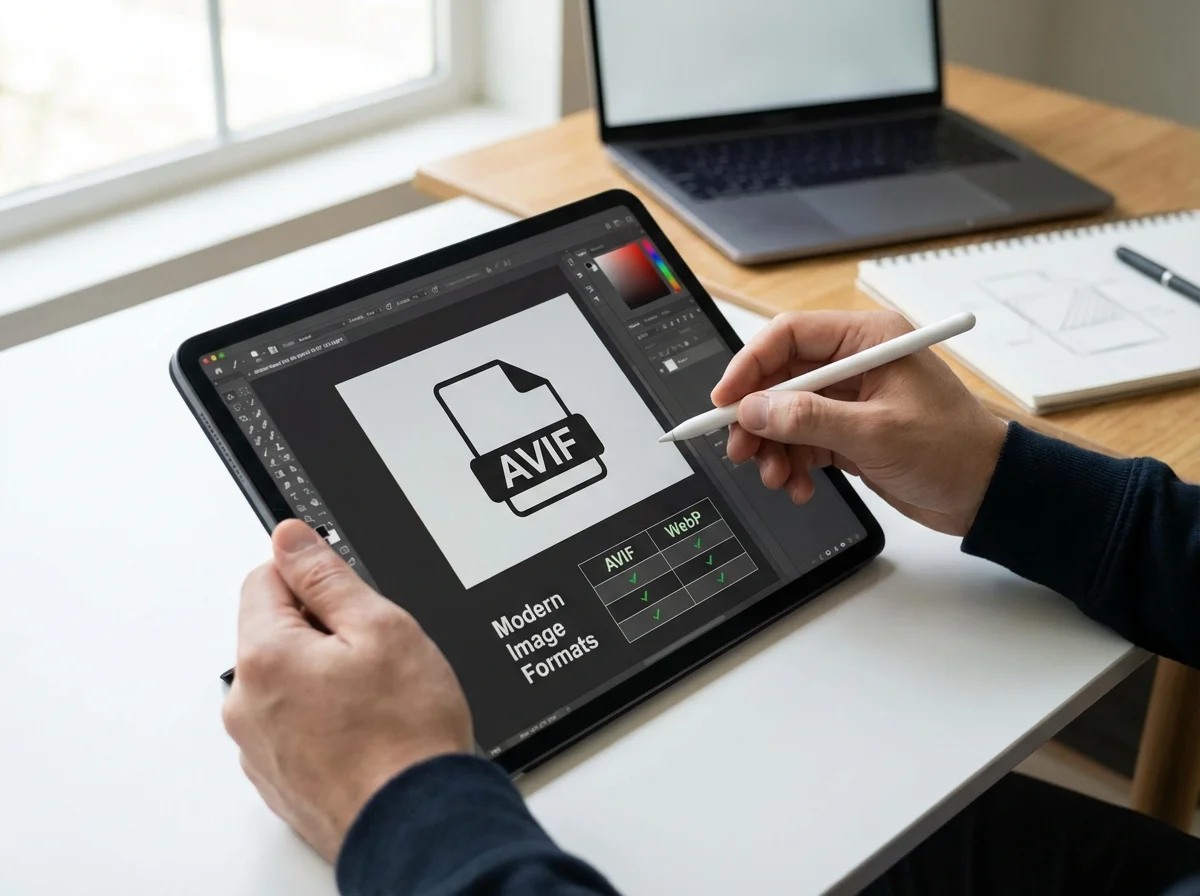
Then there’s AVIF (AV1 Image File Format), the new kid on the block. It was developed by a powerhouse group including Google, Apple, and Netflix, and it’s based on the super-efficient AV1 video codec. The result? Even more impressive compression than WebP. For photos, AVIF can deliver the same visual quality as a JPEG at a file size that’s often 50% smaller. Sometimes even less. That’s a .
Images makeup on average 50% of a web page’s total weight. Reducing image file size is probably the single most important thing you can do to improve performance. — HTTP Archive
Besides its powerful compression, AVIF supports 12-bit color depth, HDR, and lossless compression. For a while, its main drawback was slower browser adoption, though that’s changing fast. It’s now supported by all the big players like Chrome, Firefox, and Safari. So, while WebP is the safe bet, AVIF is the high-octane option for anyone who wants to squeeze out every last drop of performance.
AVIF vs. WebP: Which Should You Choose?
So, which one should you pick? It really boils down to your priorities: maximum compression or maximum compatibility. AVIF usually gives you smaller files for the same quality level, especially with photos. WebP, however, is supported by pretty much every browser your visitors might use. A common mistake I see is businesses picking just one and sticking with it. Honestly, the smartest move is to use both.
Here is a breakdown of how the two formats compare:
| Feature | WebP | AVIF |
|---|---|---|
| Compression | Excellent (25-35% smaller than JPEG) | Superior (Often 50%+ smaller than JPEG) |
| Browser Support | Universal (97%+) | Very Good (92%+) |
| Quality | Very good, supports transparency and animation. | Excellent, supports HDR and 12-bit color. |
| Best For | A reliable, all-around choice for any website seeking better performance than JPEG/PNG. | Maximum performance, especially for photography-heavy sites where every kilobyte matters. |
For most sites, a hybrid approach is the way to go. You serve AVIF to browsers that can handle it and use WebP as a fallback for those that can’t. It’s a strategy called ‘progressive enhancement,’ and it just means everyone gets a fast experience, no matter what browser they’re using.
How Do You Use Modern Formats on Your Website?
The good news is you don’t have to rebuild your entire site to start using these formats. The best way to do it is with the HTML element. It’s a clever bit of code that lets you offer multiple sources for a single image, and the browser automatically picks the best one it supports.
The browser reads the tags from top to bottom. If it supports AVIF, it will download the file and ignore the rest. If it doesn’t support AVIF but supports WebP, it will download . If it supports neither, it falls back to the standard tag and loads the . This ensures 100% compatibility.
Here’s a pro tip: before you convert your images, it’s a great idea to run them through an online tool like RoundCut’s image compressor first. This shrinks the starting file size, making sure that even your fallback JPEGs are as lean as possible. It’s a simple step that makes a big difference. For a more detailed walkthrough on this topic, consider reading about bulk image compression for SEO.
Case Study: E-commerce Store Doubles Page Speed
I’ve personally seen this make a huge difference for businesses. Let me give you a real-world example. Imagine an online boutique selling custom-printed apparel. Their product pages were image-heavy, featuring multiple high-resolution photos for each item. Their average product page LCP was a sluggish 4.8 seconds, and their bounce rate was over 70%. The culprit was unoptimized JPEG images, each averaging 600KB.
They implemented a two-part solution. First, they built a new workflow for their product photography: all new images were compressed first, then saved as AVIF and WebP, alongside a JPEG fallback. Second, they used a script to batch-process their existing catalog of 2,000 product photos, creating AVIF and WebP versions for each one. They then updated their website’s theme to use the element for all product images.
The results were immediate and pretty stunning. Their average product image file size dropped to just 150KB for AVIF users and 220KB for WebP users. The site’s LCP score fell to 2.2 seconds—a reduction of over 50%. Within three months, their bounce rate on product pages had decreased to 45%, and they saw a 7% bump in overall conversions, which they were confident came directly from the faster, smoother shopping experience. Makes sense, right?
Let’s be clear: switching from JPEG and PNG to AVIF and WebP isn’t some advanced trick anymore. It’s becoming standard practice for any serious website owner because the performance gains are just too big to ignore. Start small. Identify your most important visuals—like product photos or homepage banners—and convert them. By using the element with a reliable JPEG fallback, you can make your website faster, give your SEO a little boost, and create a much better experience for your visitors.
FAQ
Is AVIF always better than WebP?
Not necessarily. AVIF is usually king for compressing photos. But for simple graphics or when you need perfect, pixel-for-pixel quality (lossless), WebP can sometimes create a smaller file. Your best bet is to test it on your own images and see what works.
Do I need to create AVIF and WebP versions for every single image?
Nope, focus on the big stuff first—the images that have the most impact on performance, like large hero images and product photos. For smaller things like icons, a well-optimized WebP or even a good old JPEG is often perfectly fine.
How can I convert my existing JPEGs to WebP or AVIF?
There are plenty of free online tools for converting a few images at a time. For bigger jobs, desktop apps can batch process them for you. Plus, most modern image editors now have ‘Save for Web’ options that include both WebP and AVIF.
Will using modern formats hurt my SEO if a browser doesn’t support them?
Not at all, as long as you do it right. When you use the HTML `<picture>` element with a standard JPEG or PNG as a fallback, you guarantee that every user and search engine crawler can see an image. It’s a totally safe and SEO-friendly approach.
Compress images without losing quality