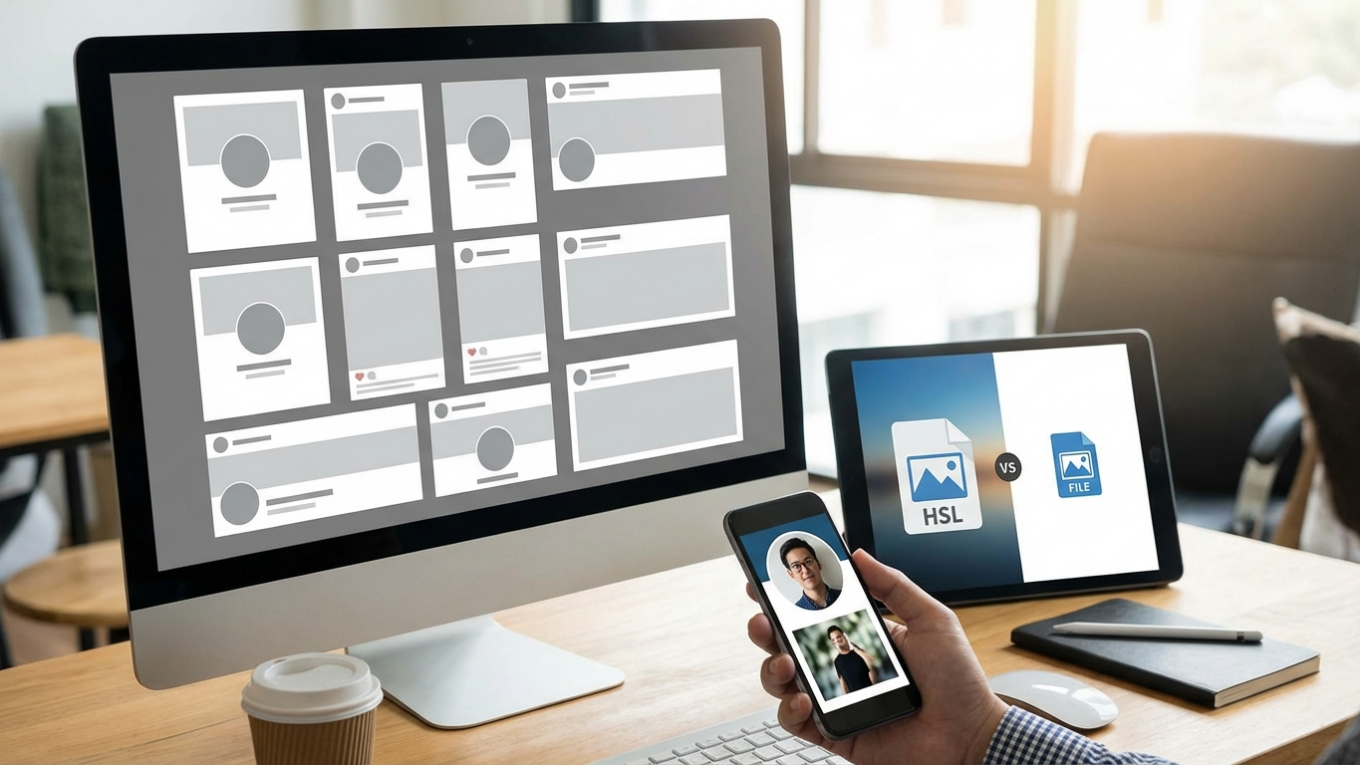
2026 Social Media Image Guide: Prevent Blurry, Cropped Posts
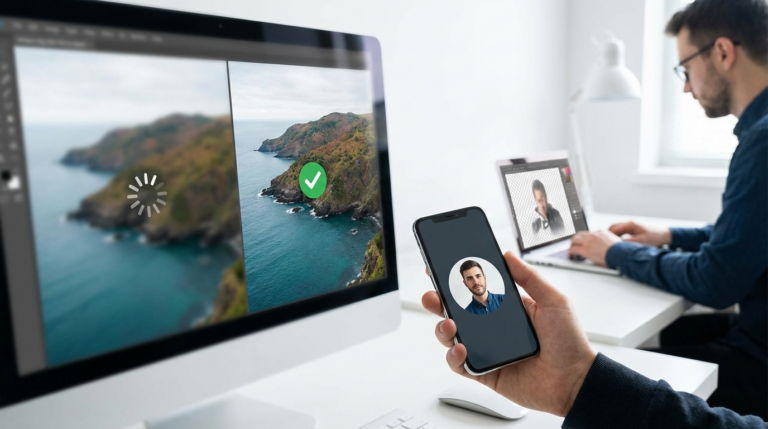
We’ve all been there. You spend hours crafting the perfect image for a new product launch. You upload it to Instagram, and bam—the main subject is awkwardly cropped out. Over on Facebook, the same visual looks blurry and compressed. What gives? This common frustration usually comes down to a simple oversight: every social media platform has its own ideal image dimensions, and ignoring them can seriously undermine your entire visual strategy.
Why Image Dimensions Are Crucial for Engagement
Using the correct image sizes isn’t just about aesthetics; it directly impacts your content’s performance. Think about it: social media algorithms favor content that fits their platform’s layout. A visual optimized for a specific placement, like an Instagram Story, will be shown to more people because it provides a better user experience. On the other hand, a poorly sized photo can be automatically cropped, reducing its impact, or compressed poorly, making your brand look unprofessional.
A sharp, perfectly framed photo commands attention and encourages users to pause their scrolling. It signals quality. A blurry or oddly cut picture does the opposite, suggesting a lack of attention to detail. For e-commerce stores or creators building a personal brand, these small details build trust and credibility with your audience. It matters.
Understanding Aspect Ratio vs. Resolution
Okay, before we get into the nitty-gritty numbers, let’s clear up two key concepts: aspect ratio and resolution. While they are related, they are definitely not the same thing.
- Aspect Ratio: This describes the proportional relationship between an image’s width and its height. It’s expressed as a ratio, like 1:1 for a perfect square or 16:9 for a widescreen video. The aspect ratio really just determines the shape of your visual.
- Resolution: This refers to the number of pixels that make up the image, written as width x height (e.g., 1080 x 1080 pixels). Higher resolution means more pixels and, generally, a sharper, more detailed final product.
A platform might recommend a 1:1 aspect ratio for a post. You could upload a 500 x 500 px graphic or a 1080 x 1080 px one. Even though both have a 1:1 aspect ratio, the second one has a much higher resolution and will look significantly better after the platform applies its own compression.
Instagram Image Sizes for 2026
Let’s be real, Instagram is a visual-first platform where image quality is paramount. The algorithm heavily prioritizes vertical content that fills more of the screen on mobile devices.
Profile Picture
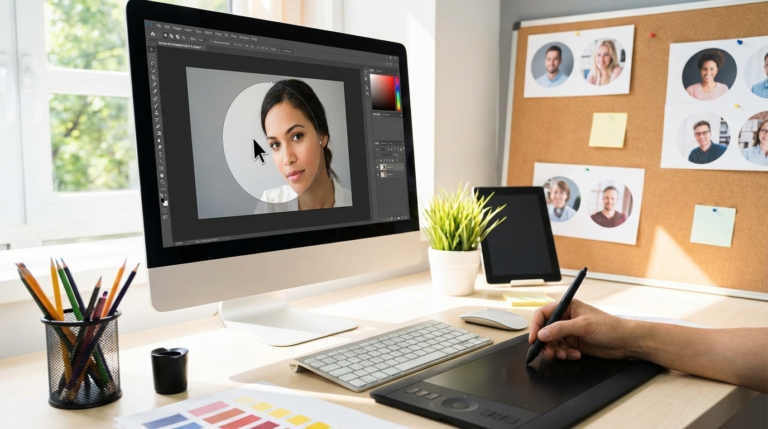
Your Instagram profile picture is your brand’s face on the app. It’s displayed as a circle, so it’s a good idea to keep your main subject centered to avoid it being cut off. The recommended upload size is 320 x 320 pixels. Even though it’s displayed smaller, uploading a higher resolution source file ensures it looks sharp everywhere. To nail this every time, you can use a circle crop tool to preview exactly how your square image will look once it’s circular.
Feed Posts (Photo and Video)
Instagram still supports square images, but vertical formats almost always perform better because they take up more screen real estate.
- Portrait (Recommended): 1080 x 1350 pixels (4:5 aspect ratio)
- Square: 1080 x 1080 pixels (1:1 aspect ratio)
- Landscape: 1080 x 566 pixels (1.91:1 aspect ratio)
My advice? Always aim for a width of 1080 pixels. Uploading a smaller image will cause Instagram to stretch it, which results in a noticeable loss of quality.
Stories and Reels
For both Stories and Reels, the optimal size is 1080 x 1920 pixels, which is a 9:16 aspect ratio. This full-screen vertical format is designed for an immersive mobile experience. Quick tip: when designing for this format, remember to leave a small buffer at the top and bottom, as Instagram’s interface elements can sometimes cover parts of your creative.
Facebook Image Sizes for 2026
Facebook is a bit different because people use it on both desktop and mobile, so its image dimensions are more varied. Still, quality is key for grabbing attention in busy news feed.
Profile Picture and Cover Photo
Your Facebook profile picture displays at 170 x 170 pixels on desktops but appears circular in ads and posts. You should upload a square image of at least 360 x 360 pixels. The cover photo can be tricky, though, displaying at 820 x 312 pixels on desktops and 640 x 360 pixels on mobile. The recommended upload size is 851 x 315 pixels. I’d suggest designing with the mobile view in mind, keeping critical text or logos within the central safe zone.
Feed Posts and Stories
Facebook’s feed is flexible, but certain sizes just work best.
- Portrait: 1080 x 1350 pixels (4:5)
- Square: 1080 x 1080 pixels (1:1)
- Landscape (for links): 1200 x 630 pixels (1.91:1)
Just like Instagram, Facebook Stories use the full-screen 1080 x 1920 pixels (9:16) format. Plus, keeping your Instagram and Facebook Stories consistent can save you a ton of design time.
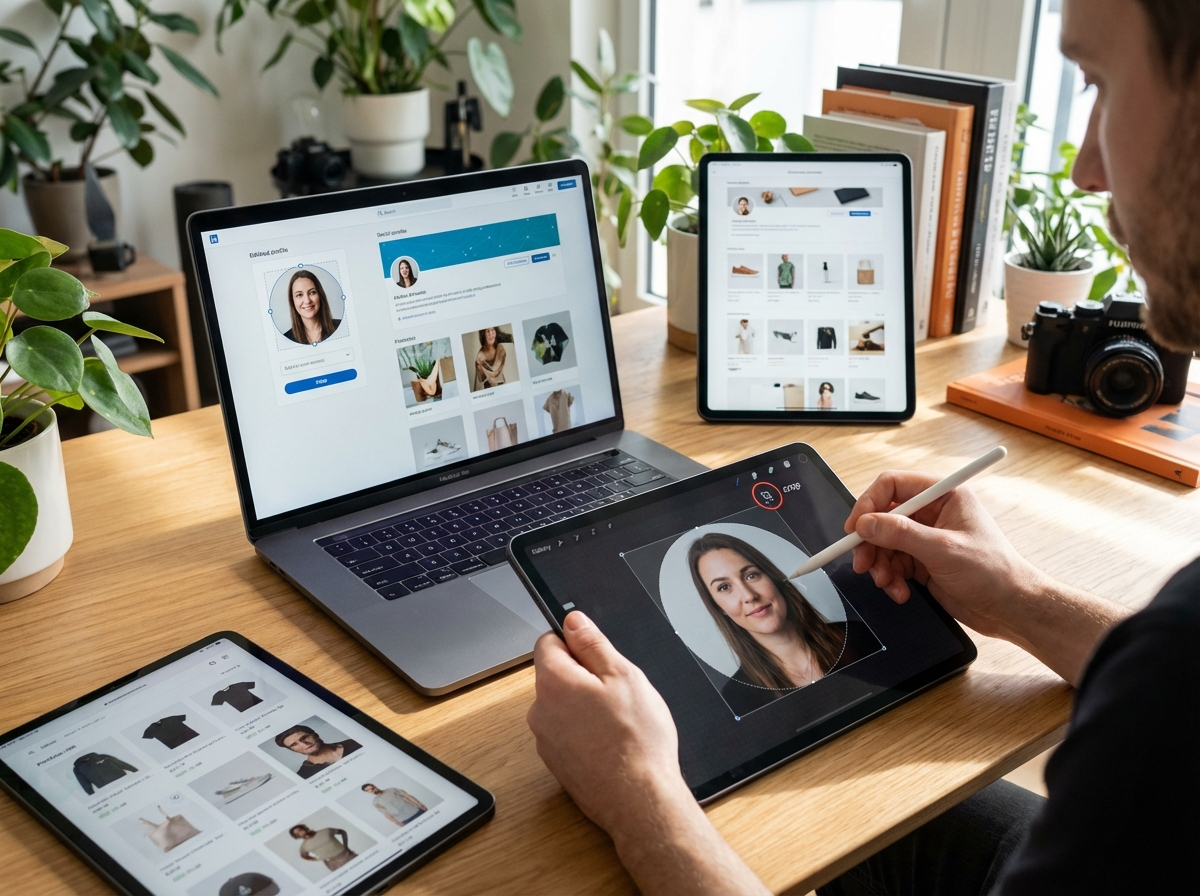
Image Sizes for X, Pinterest, and LinkedIn
Instagram and Facebook get most of the attention, but don’t sleep on other platforms. Professional and niche networks have their own specific requirements that are just as important for their respective audiences.
- X (formerly Twitter): In-feed images work great with a 16:9 aspect ratio, at a recommended size of 1600 x 900 pixels. Square visuals at 1080 x 1080 pixels are also a strong option. The header image should be 1500 x 500 pixels.
- Pinterest: This platform is built on vertical imagery. The ideal Standard Pin size is 1000 x 1500 pixels (a 2:3 aspect ratio). Keep in mind that excessively long pins may be truncated in feeds. Idea Pins use the 9:16 aspect ratio (1080 x 1920 pixels).
- LinkedIn: To maintain a professional look, correct dimensions are vital. A standard company update or post image should be 1200 x 628 pixels (1.91:1). The company cover photo is 1128 x 191 pixels, a wide banner that requires some careful design.
Universal Best Practices for Social Media Images
No matter which platform you’re on, a few guiding principles will always serve you well. Following these rules helps ensure your content looks great everywhere and saves you from fixing mistakes later.
Trust me on this: always upload the highest resolution image possible within the platform’s file size limits. Let the platform’s algorithm compress a large, crisp file rather than having it upscale a small, low-quality one. This is the most effective way to avoid blurriness.
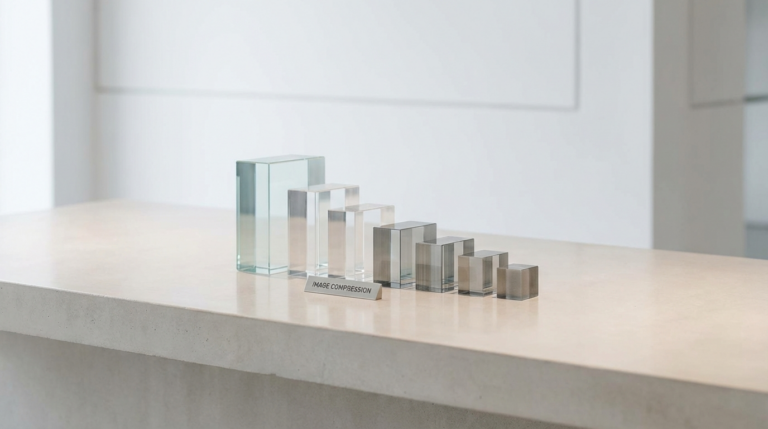
You should also manage your file sizes. Large image files can slow down your upload process and may exceed platform limits. For photos, JPEG is usually the best format, while for graphics with sharp lines or transparency, such as a logo, PNG is superior. If you find your high-resolution images are too large, an online image compressor can reduce the file size significantly without a noticeable drop in quality. This practice is a key part of effective image optimization.
Another key practice is to check your visuals on a mobile device before posting. Why? Because over 80% of social media traffic comes from mobile, so how your content looks on a small screen is what matters most. What seems fine on a large desktop monitor might be unreadable or poorly cropped on a phone.
I get it—keeping up with social media image sizes can feel like a moving target, but it’s a non-negotiable part of a successful digital strategy. Instead of trying to memorize every single dimension, just bookmark this guide for a quick reference. So, what’s your next step? Go review your current profile pictures and cover photos on your most important social channel. Ensuring these core assets are sharp and correctly framed is a simple win that immediately improves your brand’s appearance.
FAQ
What’s the best file format for social media images?
For most photos, stick with JPEG. It gives you a great balance of quality and file size. But if you’re working with graphics, logos, or anything that needs a transparent background, PNG is definitely the way to go.
Should I just use the same image across all social media platforms?
Definitely not. It’s much better to create different versions of your visual to fit the optimal dimensions for each platform. A one-size-fits-all approach usually means your image will get cropped awkwardly somewhere, hurting its impact.
What happens if I upload a photo that’s too small?
The social media app will try to stretch it to fit the required space, which is a recipe for disaster. That stretching process is what makes images look blurry, pixelated, and unprofessional.
How often do social media image sizes actually change?
Major platforms usually tweak their recommended sizes every year or so, often when they do a layout redesign. I’d recommend checking an updated guide annually just to make sure you’re still on the right track.
Crop images into a circle for free