6 Profile Picture Ideas for LinkedIn, Instagram & More
Your profile picture for LinkedIn looks too corporate for your Instagram, but your casual Instagram photo feels unprofessional for work. This common dilemma forces many people to use a generic, uninspired image everywhere or spend hours trying to find one that fits all contexts. A great profile picture does more than show your face; it communicates your personality or brand identity in a tiny circular space, and what works on one platform often fails on another.
You don’t need a professional photographer or complex software to create a compelling image. By understanding a few core principles of lighting, composition, and platform-specific needs, you can create a variety of pictures that represent you authentically, whether you’re aiming for a professional, creative, or private online presence.
Mastering the DIY Profile Picture at Home
A high-quality profile picture begins with a good source image, and you can capture one at home using just your smartphone. The key is to control the environment to create a clean, well-lit portrait that looks intentional, not like a last-minute selfie.
Follow these steps to create a solid foundation for any profile picture style:
- Use Soft Natural Light: Stand facing a window to let soft, indirect light illuminate your face. This technique minimizes harsh shadows and highlights your features naturally. Avoid direct sunlight, which can cause squinting and create unflattering shadows.
- Choose a Simple Background: A cluttered background distracts from your face. Position yourself in front of a plain wall, a tidy bookshelf, or even a simple curtain. If your environment is messy, you can always use a free background remover later to replace it with a solid color or a subtle texture.
- Find Your Angle: Instead of facing the camera head-on, turn your shoulders slightly (about 45 degrees) and then turn your head back toward the lens. This pose creates a more dynamic and flattering shape than a straight-on shot.
- Capture Natural Expressions: Take a series of photos in quick succession while making small movements. A slight smile, a relaxed breath, or the moment just after a laugh often produce the most genuine and approachable expressions. Avoid holding a single pose, which can look stiff.
Professional Profile Pictures: Authenticity Meets Authority
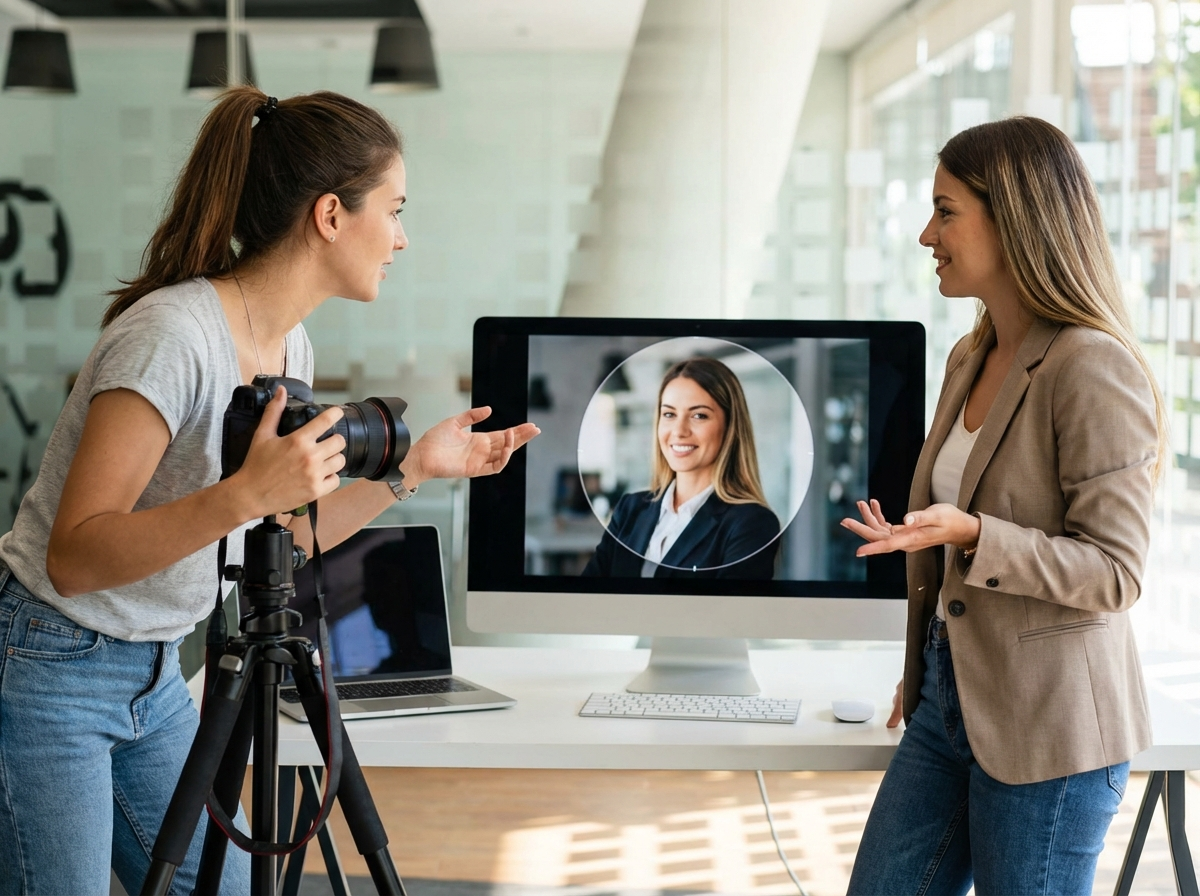
A professional profile picture, especially for platforms like LinkedIn, should convey trustworthiness and competence without appearing stiff or impersonal. The goal is to look like an approachable expert. Authenticity is just as important as professionalism, as people connect with a person, not a corporate stock photo.
For a professional yet genuine headshot, focus on clarity and composition. Your head and shoulders should fill about 60% of the frame, leaving some negative space around you. This ensures your face is clearly visible even when the image is shrunk to a small icon. A simple technique to enhance your posture is to bring your chin slightly forward and down; this defines the jawline and conveys confidence.
Your professional profile picture should look like you on your best day, not like someone else entirely. Keep editing minimal, focusing on brightness and contrast adjustments rather than heavy filters or skin smoothing.
Creative & Aesthetic Ideas for Social Media
On platforms like Instagram and TikTok, your profile picture is an extension of your personal brand or creative aesthetic. This is where you can experiment with color, mood, and style. The best approach is to align your photo with the overall theme of your content.
Consider these creative directions:
- Match Your Feed’s Palette: If your content uses a specific color scheme (e.g., warm earth tones, vibrant pastels, or monochrome), edit your profile picture to match. This creates a cohesive and professional look for your entire profile.
- Incorporate Film Grain: A subtle film grain effect can add a nostalgic and artistic touch to your photo, making it feel less like a digital snapshot and more like a captured moment.
- Use Props Intelligently: A prop can communicate your hobbies or profession. A photographer might hold a vintage camera, while a writer could be pictured with a favorite book. The prop should add to the story, not clutter the image.
- Experiment with Cropping: While most platforms use a circular frame, you can play with how you fit within it. An off-center crop can be more visually interesting than a perfectly centered face. Just be sure to check the final Instagram profile picture size and framing to avoid awkward cuts.
The Rise of AI-Generated Avatars
AI profile picture generators offer a way to create highly polished or stylized images from a handful of your existing photos. These tools can produce everything from hyperrealistic corporate headshots to imaginative avatars in styles like anime, cyberpunk, or digital paintings. This approach is useful for maintaining a consistent online persona without needing a photoshoot.
When using AI, the key is to choose a style that fits the platform’s context. A realistic AI headshot might be suitable for a tech-forward professional on LinkedIn, while a stylized anime avatar is perfect for a gaming community on Discord. The main drawback is that some AI-generated images can look generic or lose your unique facial features. Always select a final image that is still recognizably you.

Faceless Profile Pictures for Privacy and Style
Showing your face isn’t a requirement for a great profile picture. A faceless photo can create a sense of mystery, emphasize a specific interest, or simply protect your privacy while still conveying personality. This style is particularly popular among artists, writers, and anonymous creators.
Effective faceless ideas include:
- Silhouettes: Stand with a bright light source (like a window or sunset) behind you to create a clean, dark outline. The shape alone can be highly expressive.
- Focus on Objects: A picture of your hands holding a coffee mug, working on a laptop, or holding a paintbrush can tell a story about who you are and what you do.
- Over-the-Shoulder Shots: An image taken from behind you as you engage in an activity (like reading or painting) feels personal and intimate without revealing your identity.
- Pet Portraits: Featuring your pet is a friendly and popular choice that works well across almost all social platforms.
Adapting Your Picture for Every Platform
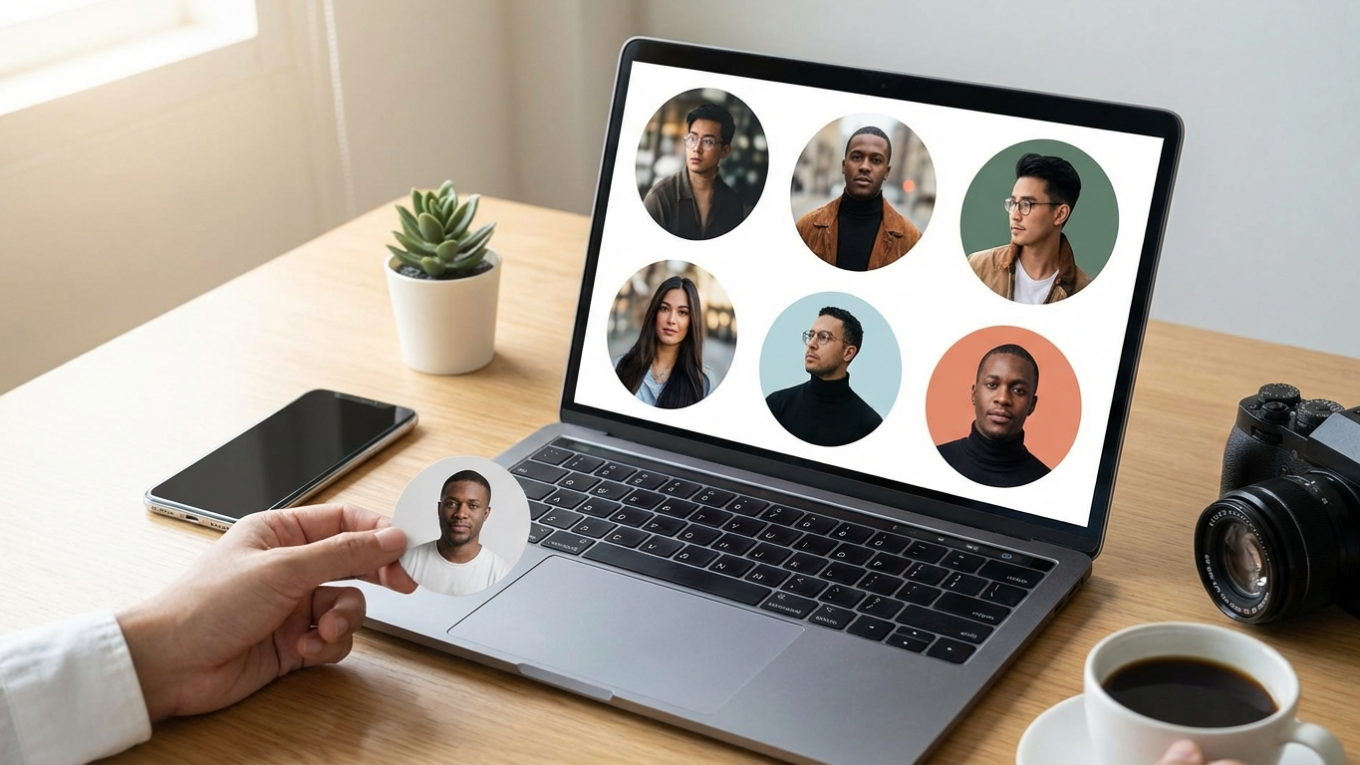
Every social media platform displays your profile picture as a circle, which means corners will be cut off. A photo that looks great as a square can become awkward once cropped. For this reason, you should always preview your image in a circular frame before uploading it. The main subject—your face—must remain centered and clear.
A simple way to ensure your photo works everywhere is to use an online circle crop tool to see exactly how it will look. This step helps you avoid cutting off important features. As a general rule, your face should occupy the central 60-70% of the image to remain impactful after cropping. You can learn more about the specifics of how to circle crop an image online to perfect your final look for any platform.
Your profile picture is a powerful tool for shaping your online identity. Instead of settling for a single, one-size-fits-all image, choose a foundational photo and adapt it to fit the context of each platform. Select one idea from this guide—whether it’s improving your lighting, trying a creative crop, or cleaning up your background—and update your profile today to make a better first impression.
FAQ
Should my profile picture be the same on all social media platforms?
Not necessarily. Using the same photo can build brand consistency, but tailoring your picture to each platform’s audience (e.g., professional for LinkedIn, creative for Instagram) is often more effective.
What colors are best to wear for a professional profile picture?
Solid, neutral colors like blue, gray, or soft white are generally safe choices as they are not distracting. Avoid busy patterns or colors that blend in with your background.
How often should I update my profile picture?
Update your profile picture every one to two years, or whenever your appearance changes significantly. For professional profiles, a current photo is essential for recognition and trust.
Can I use a logo as my profile picture?
Yes, using a logo is standard practice for business or brand accounts. For personal profiles, a photo of your face is recommended because it helps build a human connection with your audience.
Crop images into a circle for free