Boost Brand Visuals: 2026 Social Image Sizes for Success
We’ve all been there. You spend hours designing the perfect graphic for a new product launch. You upload it to Instagram, only to find the platform has chopped off your company logo and the main call to action. The visual that looked stunning on your computer is now a blurry, poorly framed mess. It’s a common frustration, and honestly, it undermines your brand’s credibility and wastes all that creative effort.
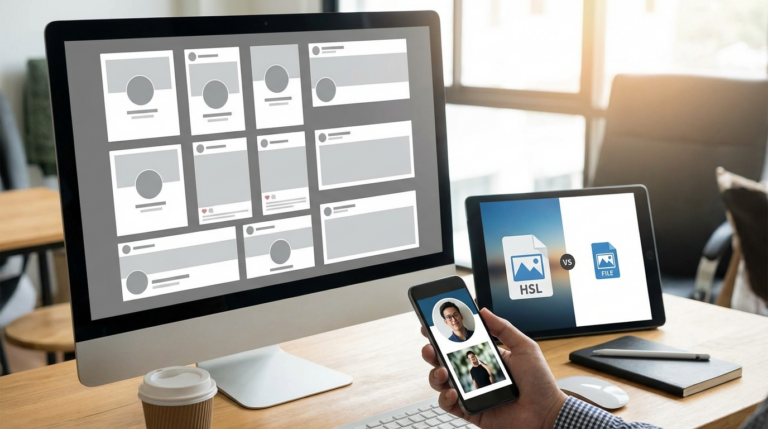
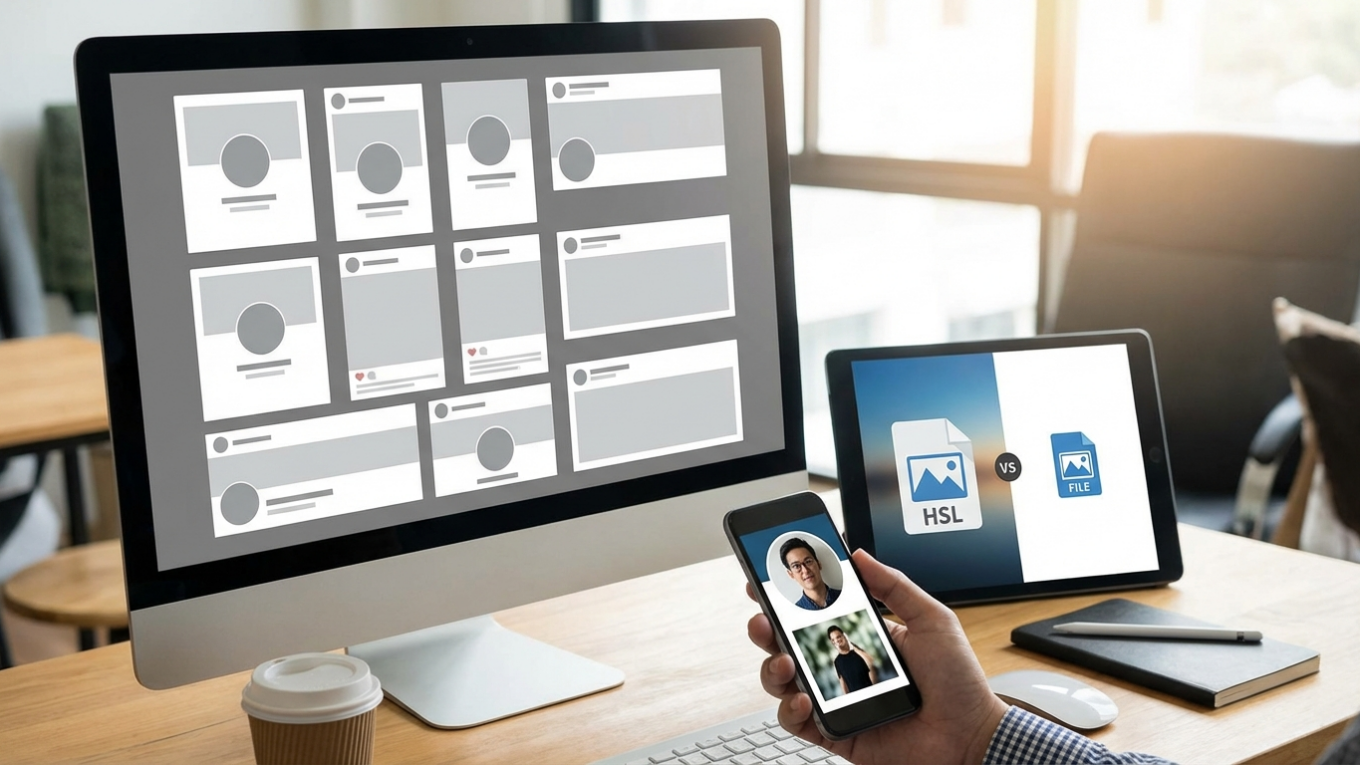
Each social network has its own rulebook for image dimensions, aspect ratios, and file sizes. What works perfectly for a Facebook cover photo will look totally distorted as an X (Twitter) header. Using the correct specs—like 1080×1080 pixels for square posts or 1080×1920 for Stories—prevents that awkward cropping and ensures your visuals appear sharp and professional. I’ve put together this guide with the most current and accurate dimensions for all major platforms to help your content always look its best.
Key Concepts: Pixels, Aspect Ratio, and File Formats
Before we jump into the specific numbers for each platform, let’s get a few core concepts straight. What do ‘aspect ratio’ and ‘pixels’ even mean in practice? Mastering these will make resizing and exporting your graphics much simpler.
Pixels and Resolution
Pixels are the tiny dots of color that make up any digital image. An image’s dimensions are measured in pixels, usually written as width x height (e.g., 1920 x 1080 pixels). This measurement determines the picture’s resolution, or its level of detail. A photo with higher pixel dimensions contains more detail and will appear sharper, while a low-resolution visual will look blurry or ‘pixelated,’ especially on large screens.
Aspect Ratio
The aspect ratio describes the proportional relationship between an image’s width and its height. It’s written as a ratio, like 1:1 or 16:9, and it dictates the shape of the image, not its actual size. Think about it:
- 1:1 is a perfect square, classic for Instagram.
- 4:5 is a vertical rectangle, which I think is great for Instagram portrait posts because it takes up more screen space.
- 9:16 is that tall, vertical format used for Stories and TikTok videos.
- 16:9 is the wide, horizontal format common for YouTube thumbnails and desktop cover photos.
Social media sites often crop pictures to fit a specific aspect ratio, so matching it beforehand gives you full control over how your final design looks.
File Formats: JPG vs. PNG
The two most common image file formats for the web are JPG and PNG. Knowing when to use each is a for both quality and performance. JPG (or JPEG) files are best for photographs with complex colors because they use compression to keep file sizes small. PNG files, on the other hand, are ideal for graphics with sharp lines, text, or logos, especially those needing a transparent background. You can learn more about the differences by reading this guide on PNG vs. JPEG vs. WebP.
Image Sizes for the Top Social Media Platforms
Alright, let’s get into the specifics. Here are the updated image requirements for the major social networks you’re likely using every day.
Facebook Image Sizes
Since people use Facebook on everything from phones to giant monitors, your visuals need to be flexible. While the platform automatically resizes photos, uploading them at the recommended dimensions ensures maximum clarity.
- Profile Picture: 320 x 320 pixels (displays as a circle)
- Cover Photo (Personal Profile): 851 x 315 pixels
- Cover Photo (Business Page): 820 x 312 pixels
- Cover Photo (Group): 1640 x 856 pixels
- Feed Post (Square): 1080 x 1080 pixels (1:1)
- Feed Post (Vertical): 1080 x 1350 pixels (4:5)
- Stories: 1080 x 1920 pixels (9:16)
- Link Preview Image: 1200 x 630 pixels
Your profile picture gets cropped into a circle, so don’t stick critical info in the corners. Also, remember that on mobile, part of the cover photo is often hidden by the profile picture and buttons, so keep your main subject centered.
Instagram Image Sizes
Instagram is all about the visuals, right? Using the correct sizes is key for creating a polished and professional grid.
- Profile Picture: 320 x 320 pixels (displays as a circle)
- Feed Post (Square): 1080 x 1080 pixels (1:1)
- Feed Post (Portrait): 1080 x 1350 pixels (4:5)
- Feed Post (Landscape): 1080 x 566 pixels (1.91:1)
- Stories & Reels: 1080 x 1920 pixels (9:16)
In my experience, portrait posts (4:5) occupy the most screen space in the mobile feed, making them a fantastic choice for grabbing attention. For your profile picture, which appears as a circle everywhere, you can perfect its framing with an online circle crop tool before uploading. This ensures your face or logo is perfectly centered. For more tips, check out this complete Instagram profile picture size guide.
To avoid quality loss from Instagram’s compression, always try to upload your pictures at the highest possible resolution within the recommended aspect ratios. This gives the app more data to work with, resulting in a sharper final image.
X (Twitter) Image Sizes
On X (formerly Twitter), a good visual can make or break your post’s engagement. The platform supports multiple image formats in a single tweet, but each has its own optimal size.
- Profile Picture: 400 x 400 pixels (displays as a circle for most, square for verified organizations)
- Header Photo: 1500 x 500 pixels (3:1)
- In-Stream Post (Horizontal): 1600 x 900 pixels (16:9)
- In-Stream Post (Vertical): 1080 x 1350 pixels (4:5)
- Link Preview Image (X Card): 1200 x 631 pixels
I’ll be honest, the X header photo is tricky because it’s so wide and short. A panoramic picture or a simple graphic usually works best to avoid weird stretching. Be mindful of how your profile picture will cover the bottom-left portion of the header on some screens and plan your design around it.
LinkedIn Image Sizes
When it comes to LinkedIn, professionalism is everything. Using correctly sized graphics for your personal profile and company page projects competence and attention to detail.
- Profile Photo (Personal): 400 x 400 pixels (displays as a circle)
- Cover Photo (Personal): 1584 x 396 pixels (4:1)
- Logo (Company Page): 300 x 300 pixels
- Cover Photo (Company Page): 1128 x 191 pixels
- Post Image: 1080 x 1350 pixels (Vertical) or 1200 x 627 pixels (Horizontal)
- Link Preview Image: 1200 x 627 pixels
The personal cover photo is a wide banner that appears behind your profile picture. Since your photo will cover part of it, place text or key visuals on the right side. For your profile itself, consider these profile picture ideas for LinkedIn to make a strong first impression.
Image Sizes for Other Major Platforms
Beyond the big four, several other platforms have unique image requirements that are important for niche audiences and specific content strategies.
Pinterest is built on vertical visuals. To maximize visibility, create Pins with a 2:3 aspect ratio.
- Profile Picture: 165 x 165 pixels
- Cover Photo: 800 x 450 pixels
- Standard Pin: 1000 x 1500 pixels (2:3)
While other aspect ratios are supported, Pins taller than 2:3 might get cut off in feeds, which reduces their impact.
YouTube
For YouTube, the channel banner and video thumbnails are the most critical visual elements for attracting viewers.
- Profile Picture: 800 x 800 pixels
- Channel Banner: 2560 x 1440 pixels
- Video Thumbnail: 1280 x 720 pixels (16:9)
The channel banner is displayed differently across devices. The full 2560 x 1440 image is shown on TVs, while a much smaller central area (1546 x 423 pixels) is the ‘safe zone’ that appears on all devices. You have to keep logos and text within this safe area.
TikTok
TikTok is a full-screen, vertical video platform. Even though it’s video-focused, your profile picture still matters.
- Profile Picture: 200 x 200 pixels
- Video: 1080 x 1920 pixels (9:16)
Make sure any text or important graphics in your videos are placed away from the top and bottom edges, because these areas are often covered by the app’s user interface.
Pre-Upload Best Practices
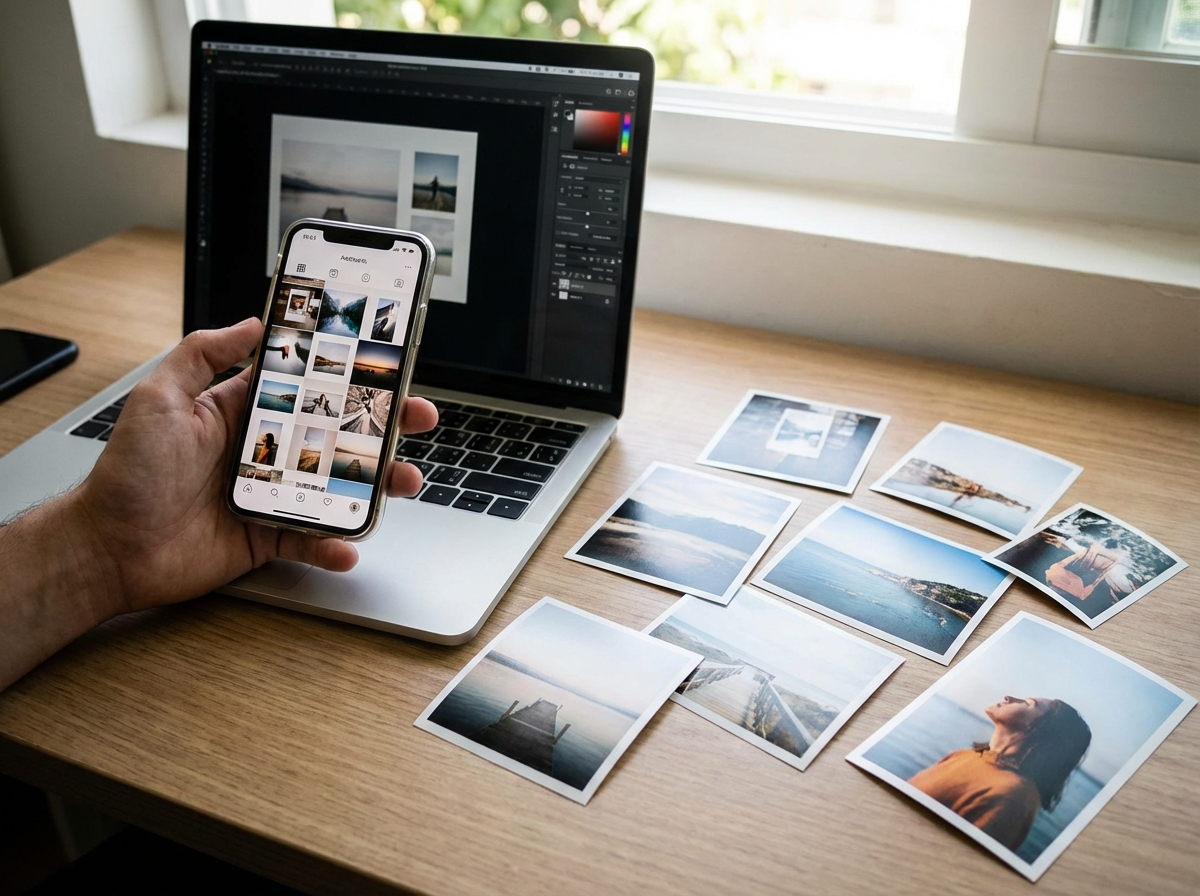
Okay, so you’ve got the right dimensions. Great start. But there’s one more step that I think is crucial: optimizing your files *before* you upload. Social media platforms automatically compress images to save server space, which can sometimes wreck their quality. By optimizing your files first, you maintain more control over the final result.
An online image compressor is your best friend here. It can significantly reduce the file size of your JPG or PNG files without a noticeable drop in visual quality. This leads to faster uploads and helps prevent the platform’s heavy-handed compression from making your graphics look soft or artifacted. You can learn more by exploring techniques on how to compress images without losing quality. It’s a simple step that ensures your visuals stay crisp.
Look, social media image specs will always be changing, but the core idea of prepping your visuals won’t. So instead of trying to memorize every single dimension, just bookmark this guide as your go-to reference. For your next post, pick one platform you use most, find the correct size here, and resize your image before you upload. It’s a small habit that will make a huge difference in your content’s quality and professionalism.
FAQ
What if I upload the wrong image size?
The platform will try to ‘fix’ it by automatically cropping or stretching it. This usually means important parts of your image get cut off or the whole thing looks blurry and unprofessional.
JPG or PNG for social media? What’s the difference?
Here’s a simple rule of thumb: use JPG for photos, as it provides good quality at a small file size. Use PNG for graphics, logos, or images with text, especially if you need a transparent background.
Are these sizes good for both mobile and desktop?
Yep, these recommended sizes are optimized to display well on both. But for wide banners like cover photos, always pay attention to the ‘safe area’ to make sure key elements are visible on all devices.
How often do these sizes even change?
They change more often than you’d think, usually when a platform introduces new features or a layout redesign. I’d recommend checking for the latest specs every 6 to 12 months to be safe.
Compress images without losing quality