How to Choose the Best Photo Book Service in 2026
So, how do you choose the best photo book service? First, figure out what you’re making—is it a premium keepsake or a casual gift? From there, you can weigh things like print quality, software usability, and all the customization features. It’s really about matching those details to your budget to find the perfect home for your memories.
You probably have thousands of photos on your phone, documenting everything from big life events to quiet everyday moments. Yet, they stay trapped on a screen. A physical photo book transforms these digital files into a tangible story you can hold and share. The challenge isn’t finding a service; it’s finding the right one. With dozens of providers out there, each with different strengths, picking one can feel a bit overwhelming. But the key is to match the service’s features to what you actually need.
What factors should you consider when choosing a photo book service?
Okay, the first step is to look at a few core factors that determine the final quality and your overall experience. A photo book is more than just printed pictures; it’s a curated collection of memories. Your primary considerations should be print quality, the paper and cover choices available, how intuitive the design software is, and the level of personalization offered. And please, don’t let a flashy discount be the only thing that guides your decision. A cheap book with poor color reproduction or a frustrating creation process isn’t a good deal, trust me.
From my experience helping people create their first albums, print quality is the most critical factor. It just is. Look for providers that give you clear information about their printing technology and paper types. Do they offer different finishes like matte, glossy, or semi-gloss? A premium service might use archival-quality paper that prevents fading, which is ideal for a wedding album. Then again, for a fun family vacation book, a standard paper might be perfectly fine. Also, check the cover options—a durable hardcover will protect your memories far better than a flimsy softcover.
On top of that, consider the logistics. The ease of uploading photos is a key piece of the puzzle; the best platforms allow you to pull images from your computer, phone, Google Photos, and even social media. While convenient, I’ll be honest: photos pulled from social media are often compressed and may not print as sharply as the originals. Whenever possible, use the highest-resolution files you have to avoid disappointment. Pay attention to shipping times and costs, as these can vary widely and add a significant amount to your final bill.
How do different photo book services compare in print quality and binding?
Print quality and binding are what make or break a photo book. Seriously. They separate a professional-looking keepsake from something that looks like a cheap catalog. The best services reproduce your photos with accurate colors and sharp details, even in shadows and highlights. Lower-quality outfits often produce images that look oversaturated, grainy, or have a noticeable color cast. A classic mistake I see all the time is people getting upset because their printed photos don’t pop like they did on their backlit phone screen. A good service calibrates its printers to ensure the colors are as true to the original file as possible, but there will always be a slight difference between screen and paper. It’s just how it works.
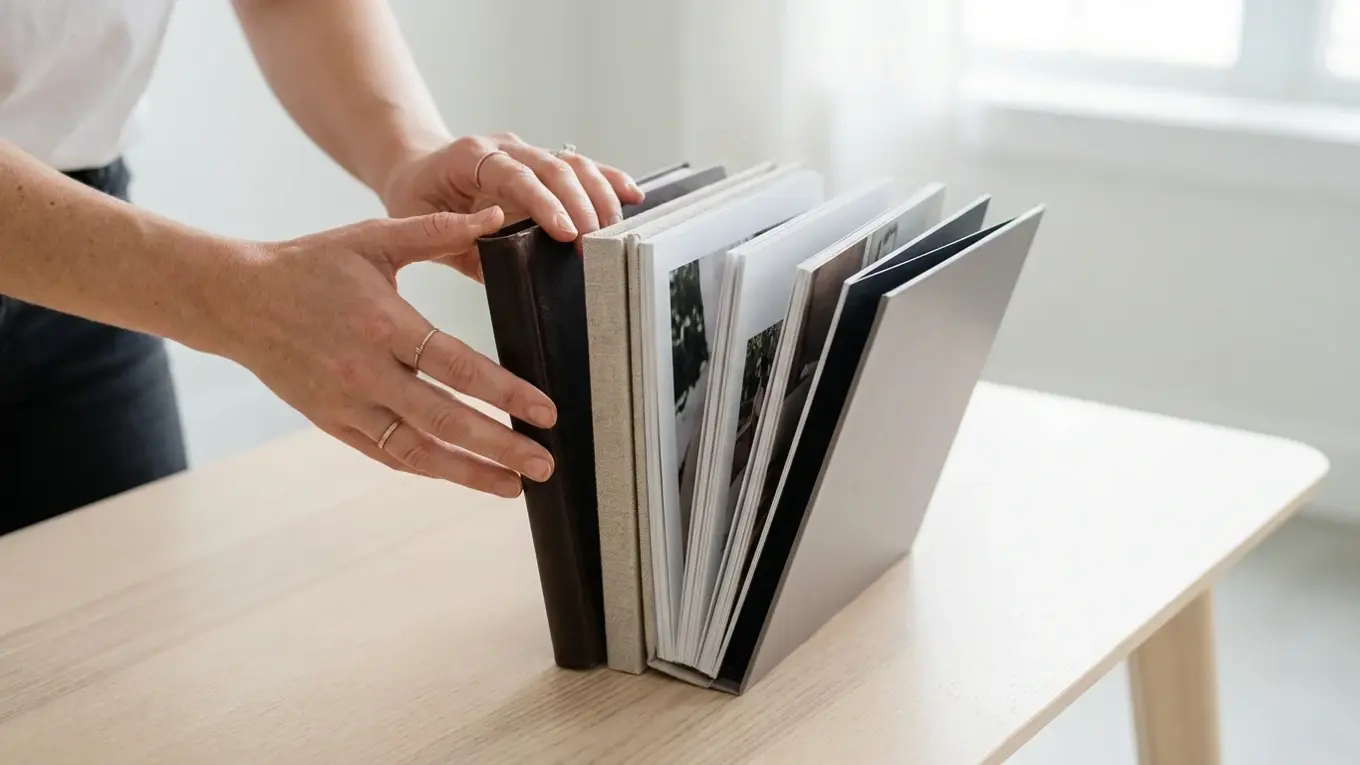
Binding is just as important, though people often overlook it. The most common type is standard (or perfect) binding, which is similar to a traditional book. It’s cost-effective and works well for most projects. But for special occasions, you should really consider a layflat binding. Imagine a gorgeous landscape shot from your vacation stretching across two full pages with no ugly gutter in the middle. That’s what layflat does. It’s an upgrade that, in my opinion, is absolutely worth the cost for panoramic shots or group photos in a wedding album. Some high-end services also offer flush-mount pages, where photos are printed on thick, rigid cardstock for a truly luxurious feel.
The goal is to have the printed book capture the resolution and colors as accurately as possible, even if you mostly use photos from your phone. A good service invests in technology that makes this happen consistently.
— The Print Quality Association

What key features define a user-friendly photo book maker?
Let’s be real: a user-friendly photo book maker is one that makes the design process fun, not a total chore. The best software feels intuitive, with a clean interface that doesn’t throw a million options at you at once. Key features to look for include a wide variety of pre-designed templates, drag-and-drop functionality, and smart auto-fill options. An auto-fill feature can whip up a solid first draft of your book in minutes by arranging your uploaded photos chronologically, which you can then customize.
Flexibility is also a hallmark of great software. While templates are helpful, you should have the freedom to adjust layouts, resize photos, and add text wherever you want. Plus, look for services that offer a range of fonts, backgrounds, and embellishments (or ‘stickers’) to personalize your design. Some platforms even allow collaborators, which is a fantastic feature for group projects like a family reunion book or a school yearbook. This allows multiple people to upload photos and contribute to the design from their own computers.
Also, the software should provide helpful guidance without being annoying. This includes warnings for low-resolution images that might print like a blurry mess or notifications if a photo is placed too close to the trim edge. I’ve found these little prompts can save a ton of frustration and prevent costly printing errors. The ability to save your project and return to it later is standard, so you can work on your book over several sessions without losing your progress.
How to evaluate photo book pricing and value for money?
When it comes to pricing, you have to look beyond the advertised starting price. The final cost depends on the book size, page count, cover type, paper quality, and of course, shipping. That book advertised for $15 can easily climb to $50 or more once you add extra pages or upgrade from a softcover to a hardcover. So, before you start designing, have a clear budget in mind and check the service’s pricing structure for these add-ons.
Value for money is about balancing cost with quality. A budget service might be perfect for a simple project or if you need to print multiple copies as gifts. On the other hand, for a once-in-a-lifetime event like a wedding, investing in a premium service with superior paper and binding ensures your memories will last for generations. Many services offer frequent discounts, especially around holidays. It’s often wise to design your book and then wait for a promotion to place your order, as you can often save 30-50%.
Consider this mini case study: A photography student wanted to create a professional portfolio of her work. She was tempted by a budget service offering a 40-page book for $25. A premium service offered a similar book for $70. Though the price was higher, the premium service used archival-quality paper and layflat binding, which presented her wide-angle shots beautifully. She chose the premium option, and the resulting high-quality book helped her land an internship. The perceived value and professional result far outweighed the initial cost difference.
What are essential design tips for creating a personalized photo book?
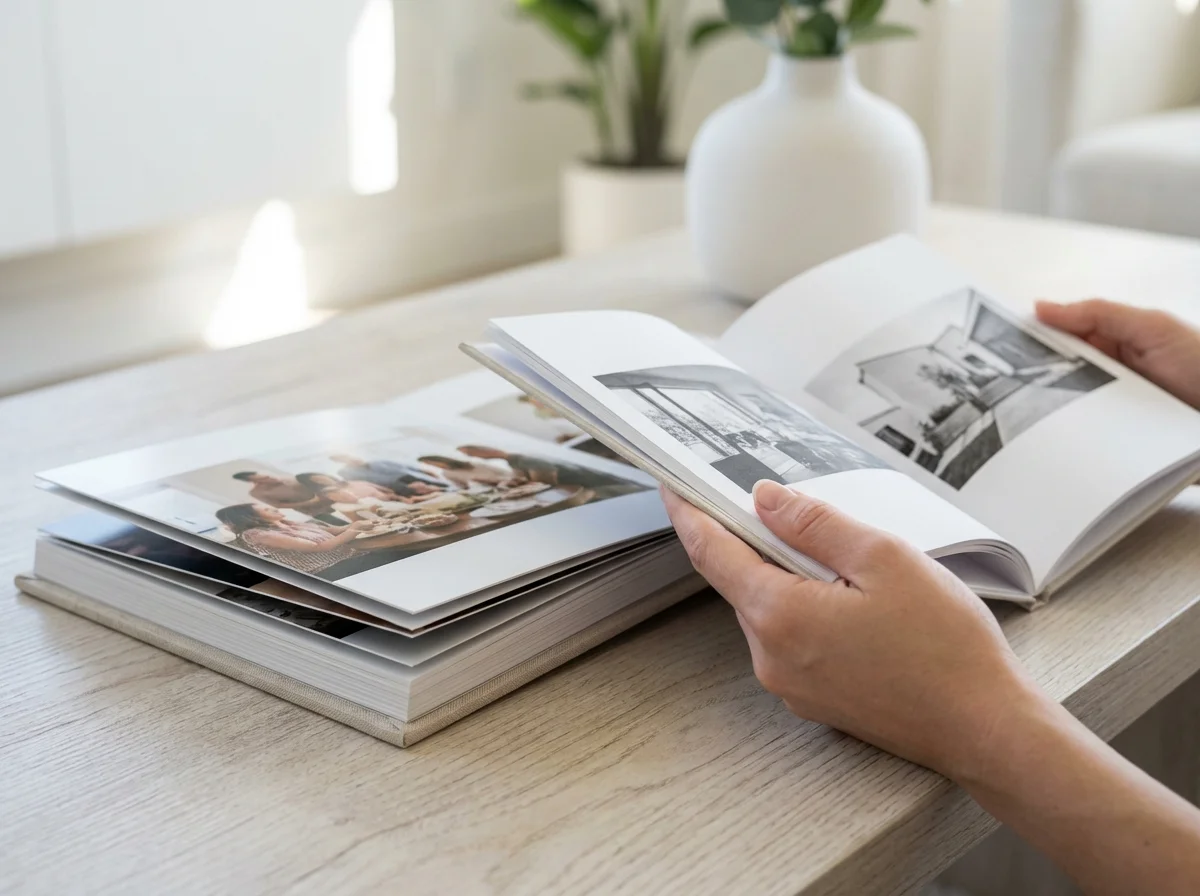
My number one tip for a beautiful photo book? Curate your images *before* you even open the editor. Seriously. Don’t just dump your entire camera roll into the software. Select only your best shots—those that are in focus, well-lit, and emotionally resonant. Think of your book as a story with a beginning, middle, and end. Group photos chronologically or by theme to create a cohesive narrative. For instance, a travel album could be organized day by day, while a baby’s first-year book could be divided into monthly sections.
Once you’re in the editor, don’t be afraid of white space. Crowding too many photos onto a single page can look chaotic and diminish the impact of each image. Let important photos have a page to themselves. And vary your layouts to keep things interesting; mix full-bleed spreads with multi-photo collages. When adding text, choose a clean, readable font and keep captions brief. The photos should be the main focus. Here’s something I’ve learned the hard way—preparing your photos in advance saves a massive amount of time. This includes simple edits like cropping and color correction.
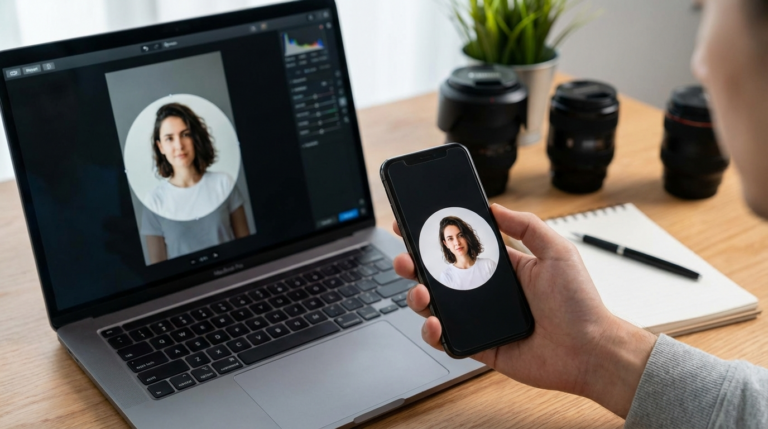
Also, before you upload everything, it’s a smart move to make sure your photos are optimized. Why? Because large, uncompressed files can make the upload and design process painfully slow. Using a free image compressor can shrink the file size without any visible drop in quality, making the software run much more smoothly. It’s a simple pre-step that makes the whole experience less frustrating. A well-prepared photo is the foundation of a great print, much like having a great headshot is key to a professional profile, a topic covered in these tips for a perfect LinkedIn photo.
Ultimately, choosing the right photo book service isn’t about finding the single ‘best’ one out there. It’s about matching your project’s needs with what a provider does well. First, define your priorities—are you looking for heirloom quality, something budget-friendly, or total creative freedom? Once you know what matters most, you can confidently evaluate your options and select the one that will turn your digital photos into a cherished keepsake. Here’s a challenge for you: pick your favorite 20 photos from a recent event and try building a small, simple book on two different platforms to see which design software just *feels* right. You’ll know.
To expand semantic coverage and answer closely related search intent, also address terms such as “photo book selection guide”, “what to look for in a photo book service” and “photo book quality factors”.
FAQ
Can I actually make a photo book on my phone?
Absolutely. Many of the top services have mobile apps that let you upload photos and design the whole book right from your phone. While the experience might be a bit more streamlined than on a desktop, it’s super convenient for making simple books on the fly.
What’s the real difference between a photo book and a photo album?
Think of it this way: a photo book has your images printed directly onto the pages, like a high-end coffee table book. A traditional photo album has empty pages with plastic sleeves where you slide in physical photo prints yourself.
How long will I have to wait for my photo book?
It varies, especially around the holidays. Generally, production takes about 3-7 business days, and standard shipping can add another 5-10 business days on top of that. Most places offer faster shipping if you’re in a hurry, but it’ll cost you.
What resolution should my photos be for good prints?
For the sharpest prints, aim for images that are at least 300 DPI (dots per inch) at the size you want to print them. The good news is that most services will warn you if a photo’s resolution is too low, which helps prevent blurry results.
Compress images without losing quality