Top Mobile Apps: E-commerce Product Photo Editing Guide
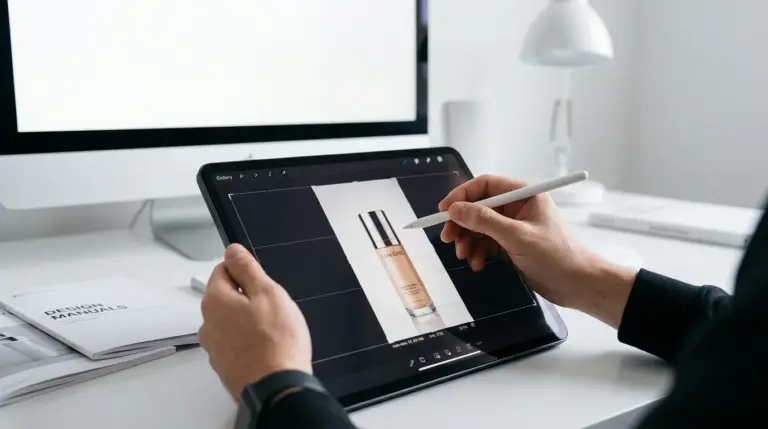
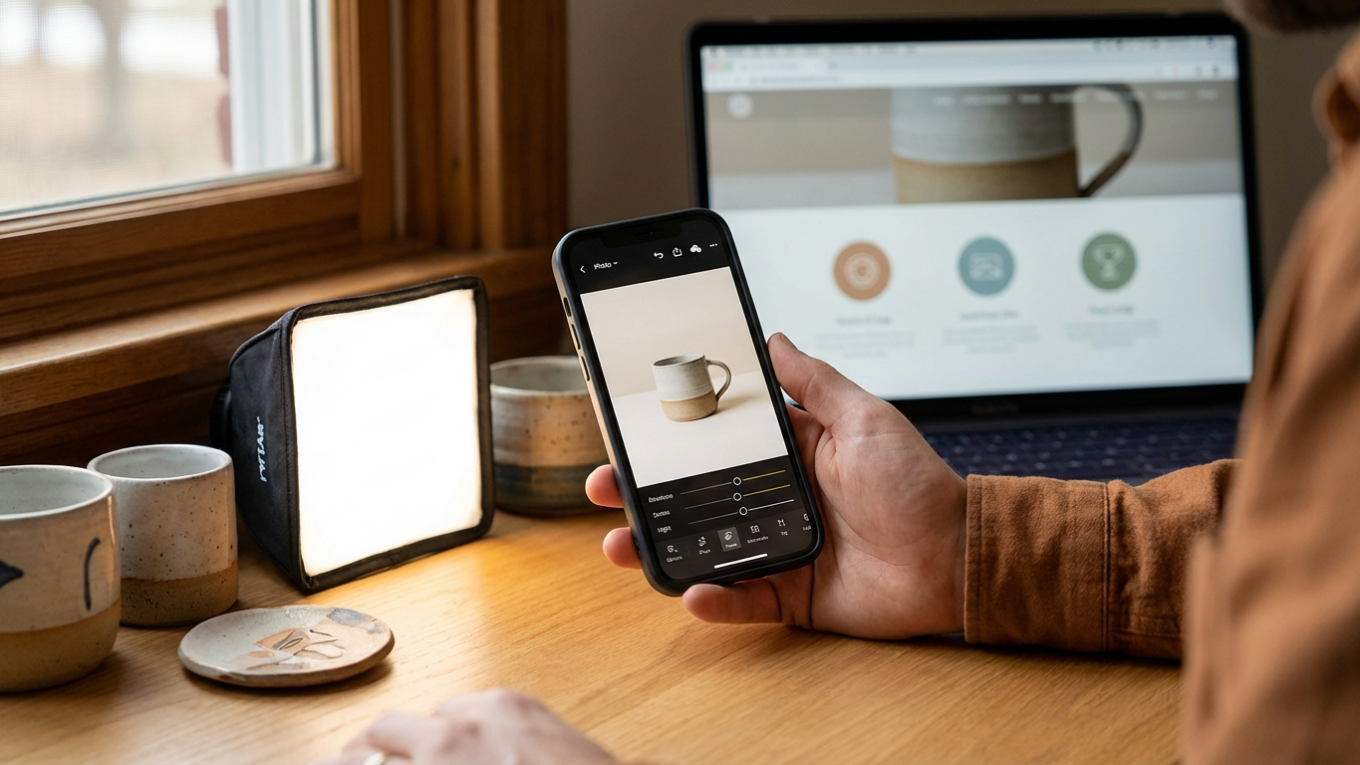
You just took the perfect product shot on your phone, but it’s sitting on a cluttered background and the lighting isn’t quite right. The old process involved sending the image to your computer, opening complex software, and spending valuable time on edits before you could even think about uploading it to your Shopify store. This delay costs you momentum and sales. An efficient, mobile-only workflow is not just a convenience; it’s a competitive advantage that allows you to get products listed faster.
Editing product photos directly on your phone saves significant time and removes the need for expensive desktop software. With the right applications, you can handle everything from background removal to color correction and final compression in minutes, allowing you to upload professional-looking images straight to your e-commerce platform.
What to Look for in a Mobile Photo Editing App
A mobile photo editing app for e-commerce should provide specific tools to make your products look their best. Your goal is to create clean, consistent, and appealing images that accurately represent what you are selling. Look for applications that offer a core set of features designed for product photography.
- Background Removal: This is one of the most common needs for product photos. The ability to quickly remove a distracting background and replace it with a solid white or transparent one is necessary for creating a professional catalog look. Many online tools, like a free background remover, can handle this task with a single click.
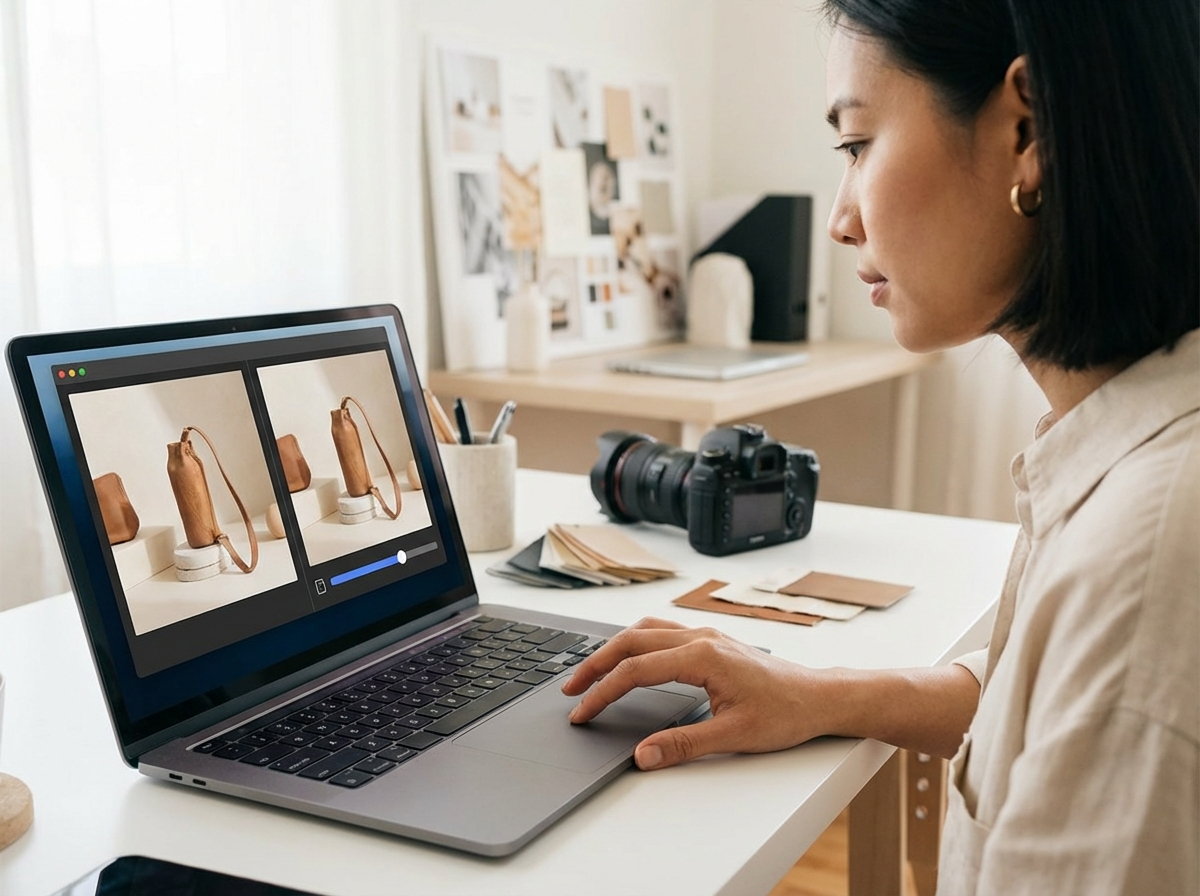
- Color Correction and Lighting: Your phone’s camera may not always capture colors perfectly. An app should have precise controls for brightness, contrast, saturation, and white balance to ensure the product’s color is true to life.
- Cropping and Resizing: E-commerce platforms like Shopify have specific recommendations for image dimensions. Your app needs to let you crop and resize photos to maintain a consistent look across all your product listings.
- Basic Retouching: A spot healing or clone tool is useful for removing small specks of dust, scratches, or minor imperfections from your product or background.
Top App Categories for Product Photography
Instead of searching for one single “best” app, it’s more effective to understand the different types of editors available. Your needs might be met by one powerful app or a combination of two specialized ones.
All-in-One Professional Editors
These apps offer a comprehensive suite of tools similar to desktop software. Adobe Lightroom Mobile is a prime example, providing advanced color grading, presets for consistency, and cloud syncing. While it has a steeper learning curve, it gives you maximum control over the final look of your images. These apps are ideal if photography is a core part of your brand, and you want to establish a signature visual style.
Quick and Simple Editors
For sellers who need fast, effective results without complexity, apps like Google’s Snapseed are excellent. They offer powerful tools, such as selective adjustments and healing brushes, through an intuitive, touch-based interface. You can correct lighting and color in seconds, making them perfect for on-the-go edits when you need to list a new product quickly.
AI-Powered Specialty Apps
A new category of apps uses artificial intelligence to automate specific, time-consuming tasks. These tools often focus on one thing, such as background removal or generating new scenes for your product. They are built for speed and can produce impressive results with minimal manual effort, which is perfect for sellers managing a large inventory.

White Backgrounds vs. Lifestyle Photos
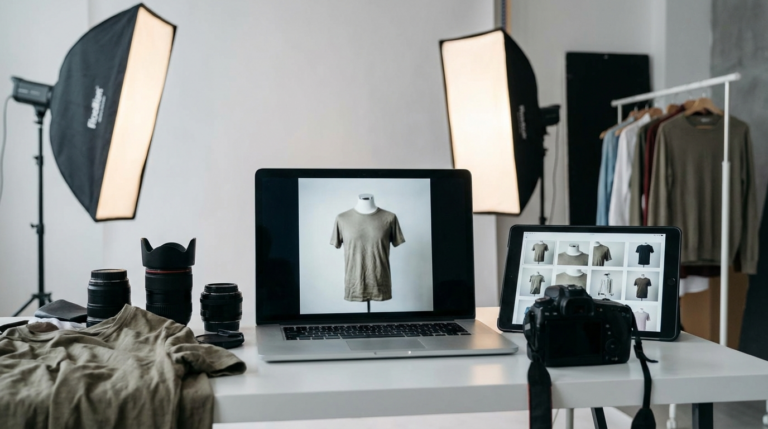
The type of photo you use depends on its purpose. Both clean, white backgrounds and contextual lifestyle shots have a place in your marketing strategy. A white background photo is the standard for main product listings. It removes distractions, highlights the product’s details, and creates a uniform, professional look on your category pages. This consistency helps customers compare items easily.
Lifestyle photos, on the other hand, show your product in use. A customer seeing a watch on a wrist or a piece of furniture in a decorated room can better imagine it in their own life. These images are powerful for social media, advertisements, and your website’s homepage. A good strategy is to use white background shots for the primary product images on platforms like Shopify and Amazon, and sprinkle in lifestyle photos to inspire and engage customers.
Final Step: Optimizing Images for Your Online Store
After you’ve edited your photo, one final step is necessary before uploading: optimization. Image optimization is the process of reducing the file size of your pictures as much as possible without sacrificing quality. Large image files can dramatically slow down your website’s loading speed. According to Google, a 1-second delay in mobile load times can impact conversion rates by up to 20%.
Your beautiful product photos will hurt your business if they prevent customers from quickly browsing your site. A slow store leads to frustrated visitors and abandoned carts.
The ideal file size for e-commerce product images is generally under 200 KB. Before you upload your edited images to your store, run them through an online image compressor. This simple action can reduce file sizes by over 70% while maintaining visual clarity, ensuring your pages load quickly for every visitor, whether they are on a desktop or a mobile device.
You no longer need a desktop computer and complex software to create professional product photos. By choosing the right mobile apps and adopting a simple workflow—shoot, edit, remove background, compress, and upload—you can manage your entire product catalog from your phone. Audit your current process and try one of these mobile-first techniques to see how quickly you can get your next product live and ready for customers.
FAQ
Can I get professional-looking product photos with just my phone?
Yes, you can achieve professional results using just your smartphone. The key is to ensure good, consistent lighting, use a simple background, and choose mobile editing apps that offer color correction and background removal features.
What’s the best image format for product photos on Shopify?
For most product photos with a solid background, JPEG is the best format because it offers a good balance of quality and small file size. If your image requires a transparent background, you must use the PNG format.
How do I make all my product photos look consistent?
To ensure consistency, shoot your products in the same lighting conditions and from similar angles. In your editing app, use or create a preset with your preferred settings for brightness, contrast, and color balance, and apply it to all photos in a batch.
Do I need a white background for all my product photos?
While a white background is the standard for main product listing images to ensure clarity and consistency, it’s not required for all photos. Lifestyle images showing the product in use are highly effective for social media, blogs, and your store’s homepage.
Remove image backgrounds for free