
Image SEO: A Guide to Optimizing Images for Your Website
You’ve invested in professional product photography, and your images look stunning. Yet, your online store’s pages load slowly, and you’re not seeing any traffic from Google’s image search. This common problem often stems from overlooking how search engines see and interpret your visual content. Optimizing your images is not just about aesthetics; it’s a technical task that directly impacts your site’s speed, user experience, and search engine ranking.
For an e-commerce business, where visuals drive sales, treating images as an afterthought can cost you customers. Properly optimized product photos can attract new shoppers, reduce bounce rates, and improve your store’s visibility on platforms from Google to Shopify. The following practices will help you turn your images from simple decorations into powerful SEO assets.
The Foundation: Descriptive File Names and Alt Text
Before you even upload an image to your store, you have two key opportunities to give search engines context: the file name and the alternative (alt) text. Many store owners upload images with default names like IMG_7890.JPG or DSC-0123.PNG. These names tell search engines nothing about the image’s content.
A descriptive file name acts as a direct signal. Change your file names to describe the product accurately, using hyphens to separate words. For example, instead of IMG_7890.JPG, a better name would be womens-blue-leather-tote-bag.jpg. This approach immediately informs Google about the subject of the image, increasing its chances of appearing in relevant searches.
Alt text serves a dual purpose. It describes the image for visually impaired users who rely on screen readers, ensuring accessibility. It also provides a text-based description for search engines, helping them understand the image’s context within the page. Good alt text is specific and descriptive without being overly long.
- Poor Alt Text:
alt="handbag" - Good Alt Text:
alt="Woman carrying a large navy blue leather tote bag with gold hardware"
For decorative images that add no informational value, you can leave the alt text empty (alt=""), but for product photos, descriptive alt text is non-negotiable.
Choosing the Right Image Format for Products
The file format you choose affects image quality, file size, and page load speed. For e-commerce, the three most common formats are JPEG, PNG, and WebP.
JPEG (Joint Photographic Experts Group)
JPEGs are ideal for complex product photographs with many colors and gradients, like apparel or lifestyle shots. They offer excellent compression, allowing you to significantly reduce file size with minimal perceived loss in quality. Most product photos on your site will likely be JPEGs.
PNG (Portable Network Graphics)
PNGs are best when you need a transparent background. This is common for logos, icons, and product images that need to be placed on different colored backgrounds without a white box around them. For a uniform catalog look on your e-commerce site, you might use a background remover to create clean, transparent PNGs. The downside is that PNG files are typically larger than JPEGs.
WebP
WebP is a modern format developed by Google that provides superior compression compared to both JPEG and PNG. A WebP image can be up to 30% smaller than a comparable JPEG without any loss in quality. It also supports transparency like a PNG. Many e-commerce platforms, including Shopify, automatically convert uploaded images to WebP for supported browsers, which helps improve site speed. Even if your platform handles conversion, uploading an already-optimized image is a best practice.

Mastering Image Compression and Dimensions
Large image files are the primary cause of slow-loading websites. A product page that takes more than a few seconds to load will lose customers. The goal is to find the perfect balance between image quality and file size through proper sizing and compression.
First, resize your images to the exact dimensions they will be displayed at. There is no reason to upload a 4000×4000 pixel image if it will only be shown in a 1000×1000 pixel container. For many e-commerce platforms like Shopify, a square dimension of 2048×2048 pixels is a good standard for main product images, as it provides enough detail for zoom features.
After resizing, compress the image to reduce its file size. Compression can be ‘lossless’ (removes metadata without affecting pixels) or ‘lossy’ (removes some pixel data to make the file smaller). For web use, a slight lossy compression is usually unnoticeable to the human eye but can drastically reduce file size. You can use an online image compressor to shrink your files before uploading them to your store. Aim to keep most product images under 150 KB.
Implementing Responsive Images for Mobile Shoppers
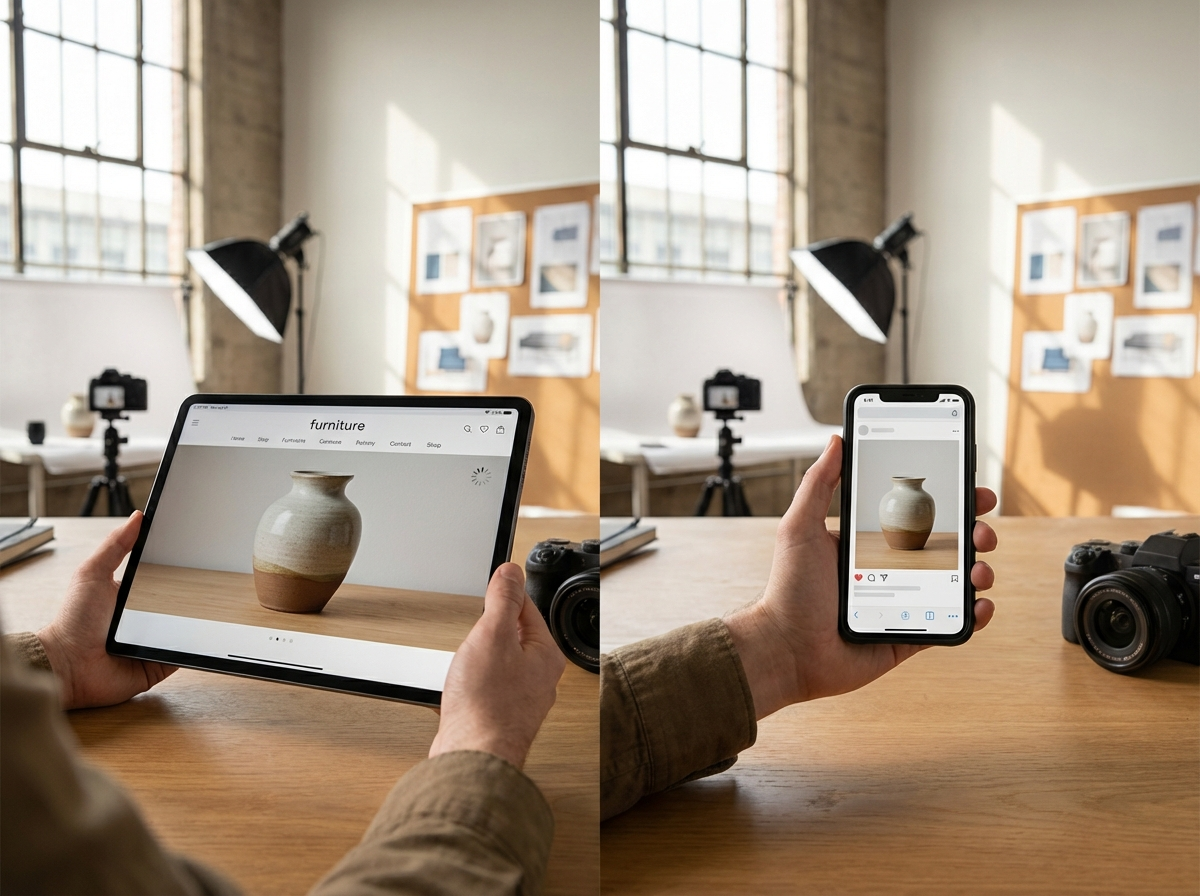
A significant portion of your customers will browse your store on a mobile device. Loading a large, desktop-sized image on a small smartphone screen wastes bandwidth and slows down the experience. Responsive images solve this by allowing the browser to choose the most appropriate image size from a set of options based on the user’s screen size.
This is typically done using the srcset attribute in the srcset attribute provides a list of different-sized versions of the same image. The browser then automatically selects and downloads the best one for the device, ensuring mobile users get a small, fast-loading image while desktop users see the high-resolution version.
While this may sound technical, many modern e-commerce themes and platforms handle this automatically. Check your theme’s documentation or use a tool like Google PageSpeed Insights to see if your site is serving appropriately sized images to mobile devices. If not, you may need to consult a developer or look for a platform extension that adds this functionality.
Using Structured Data to Enhance Visibility
Structured data (or schema markup) is code you add to your website to help search engines understand your content in greater detail. For e-commerce, this is a powerful tool. By adding Product schema to your product pages, you can provide specific details like price, brand, stock availability, and customer ratings.
When you include image information within this structured data, you increase the likelihood that your product photos will appear as ‘rich results’ in Google Search and Google Images. These are the eye-catching listings that show a product photo alongside its price, rating stars, and availability directly in the search results. For example, a search for “Brooks Ghost 15 running shoes” might show several images with prices and store names listed underneath. These rich results have a much higher click-through rate than standard blue links, driving more qualified traffic to your product pages.
Most e-commerce platforms have built-in support for basic product schema. You can test your product URLs with Google’s Rich Results Test to see what information search engines can extract and identify opportunities for improvement.
Optimizing your images is an ongoing process, not a one-time fix. Instead of feeling overwhelmed, start small. Pick one of your top-selling product pages today and apply three changes: rename the image files with descriptive, hyphenated keywords; write detailed alt text for each photo; and run the images through a compression tool to reduce their file size. Taking these concrete steps will immediately improve that page’s performance and accessibility, setting a new standard for your entire store.
Compress images without losing quality