Optimize 2026 Social Images: All Platforms’ Key Dimensions
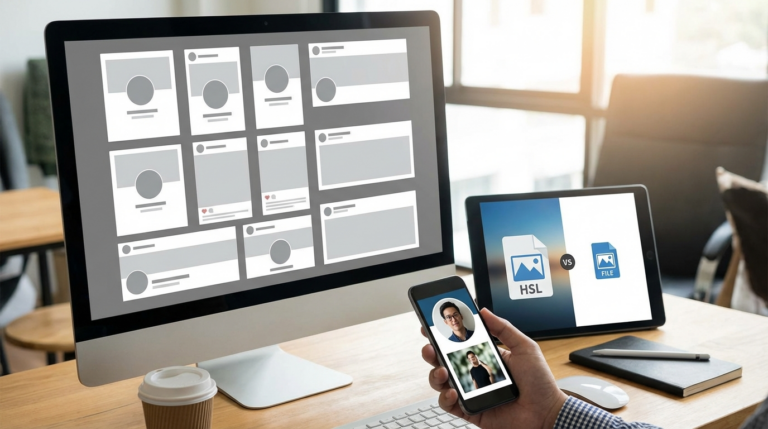
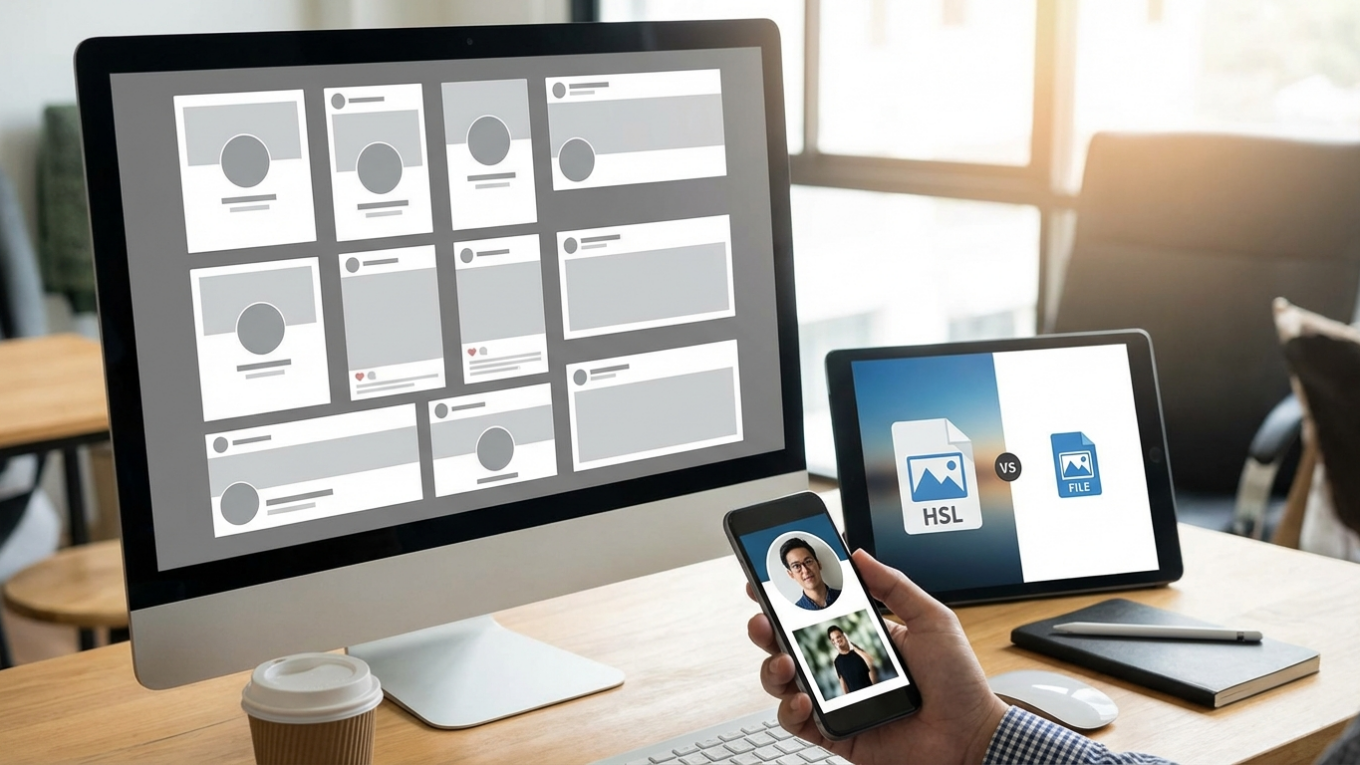
Ever spent hours creating the perfect graphic, only to upload it to Instagram and watch the platform awkwardly chop off your text? Or see it turn blurry on Facebook? It’s a common frustration, and it happens when image dimensions aren’t optimized for each social network. Honestly, it can undermine your brand’s professional look. For 2026, using the right sizes—like 1080×1080 for Instagram posts, 1080×1920 for Stories, and 1200×630 for Facebook links—is the key to making sure your visuals display perfectly every time.
Instagram and Pinterest: The Visual-First Platforms
Instagram and Pinterest are all about high-quality visuals, so getting the dimensions right is a top priority. Why does it matter so much? Because an incorrectly sized photo can be automatically cropped, cutting off-key parts of your graphic or design. Sticking to the recommended specs ensures your content appears exactly as you planned.
- Instagram Profile Photo: 320 x 320 pixels (upload at least 600 x 600 for best quality).
- Instagram Feed Photos: 1080 x 1080 pixels (1:1 aspect ratio), 1080 x 1350 pixels (4:5 portrait), and 1080 x 566 pixels (1.91:1 landscape). The portrait size takes up the most screen space.
- Instagram Stories & Reels: 1080 x 1920 pixels (9:16 aspect ratio). This vertical format is essential for immersive, full-screen content.
- Pinterest Profile Picture: 165 x 165 pixels.
- Pinterest Pin Image: 1000 x 1500 pixels (2:3 aspect ratio). This vertical format performs best on the platform.
- Pinterest Board Cover: 600 x 600 pixels.
A clear, recognizable photo is vital for your Instagram profile. For a deep dive, check out our guide to Instagram profile picture size to get that perfect crop every time.
Facebook and LinkedIn: Professional and Social Hubs
Facebook and LinkedIn cater to both personal and professional crowds, but they both require a polished look. Think about it: cover photos are your brand’s digital billboard, and profile pictures are your digital handshake. Using the proper sizes prevents weird distortion and makes your profile look credible.
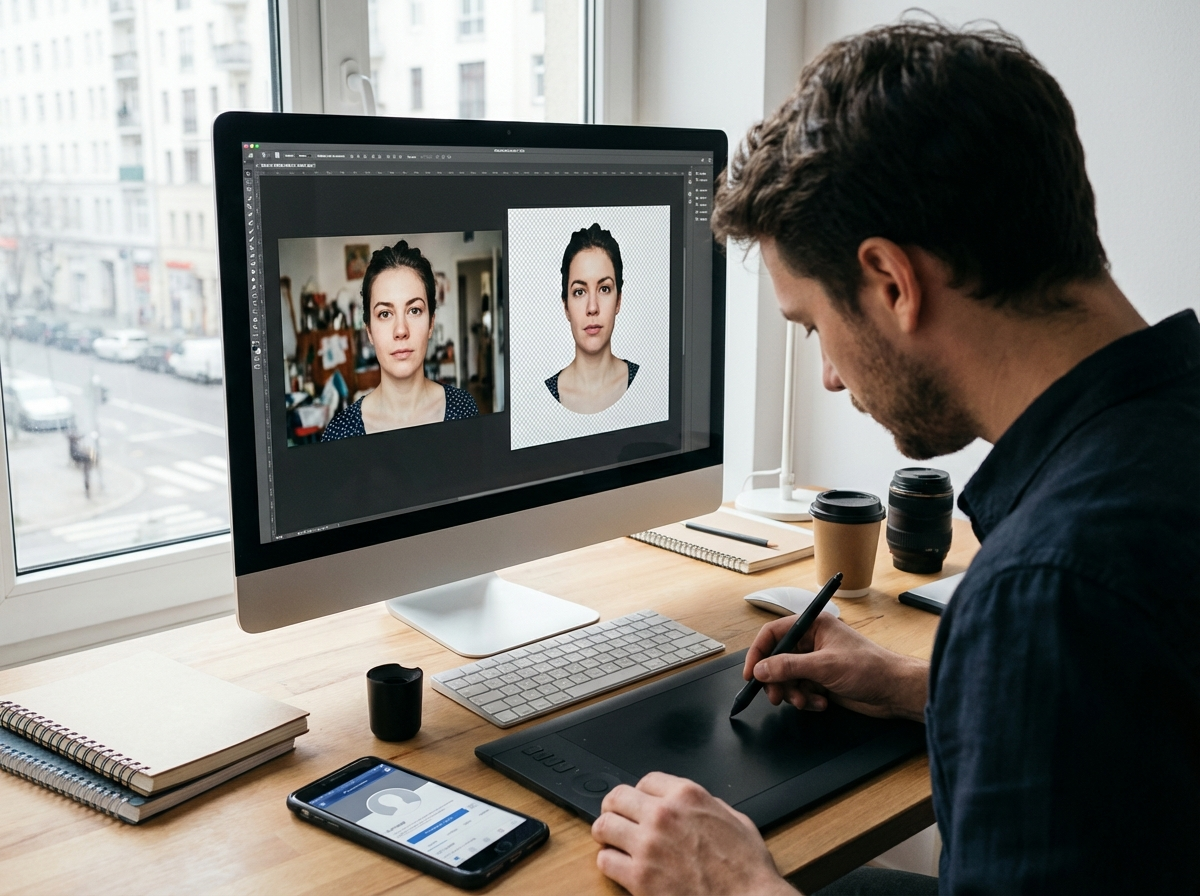
Your profile picture is often the first impression you make. I find that for a clean, sharp look on networks like LinkedIn, using a circle crop tool is a great way to perfectly frame your headshot.
- Facebook Profile Picture: 320 x 320 pixels (displays as a circle).
- Facebook Cover Photo: 851 x 315 pixels (personal), 1640 x 856 pixels (group).
- Facebook Shared Image: 1080 x 1080 pixels (square) or 1080 x 1350 (vertical).
- Facebook Shared Link Preview: 1200 x 630 pixels.
- LinkedIn Profile Picture: 400 x 400 pixels.
- LinkedIn Cover Photo: 1584 x 396 pixels (personal), 4200 x 700 pixels (company).
- LinkedIn Shared Image or Link: 1200 x 627 pixels.
TikTok and YouTube: Short-Form and Long-Form Video
Even though these platforms are dominated by video, static images for profiles, covers, and thumbnails still play a huge role. A compelling YouTube thumbnail, for example, can dramatically increase click-through rates. We’ve all clicked on a video just because the thumbnail grabbed our attention, right? Plus, a clear TikTok profile image helps build brand recognition.
- TikTok Profile Photo: 200 x 200 pixels.
- TikTok Video: 1080 x 1920 pixels (9:16 aspect ratio).
- YouTube Profile Picture: 800 x 800 pixels.
- YouTube Channel Cover Photo: 2560 x 1440 pixels. Important: Keep critical information within the central “safe area” of 1546 x 423 pixels to avoid it being cut off on different devices.
- YouTube Video Upload (Thumbnail): 1280 x 720 pixels (16:9 aspect ratio).
X, Threads, and Bluesky: The Conversation Platforms
On platforms that are mostly about text, a strong visual can make your post pop in a fast-moving feed. It’s a simple trick. Consistent branding across your profile photo and header image reinforces who you are. Meanwhile, in-stream photos should be optimized for clarity and immediate impact.
- X (Twitter) Profile Photo: 400 x 400 pixels.
- X Header Photo: 1500 x 500 pixels. Remember to account for your profile picture’s placement in the bottom-left corner.
- X In-Feed Photo: 1600 x 900 pixels (16:9 ratio).
- Threads Profile Image: 320 x 320 pixels (often imported from Instagram).
- Threads Post Image: 1080 x 1920 pixels.
- Bluesky Profile Image: 400 x 400 pixels.
- Bluesky Cover Image: 1500 x 500 pixels.
Beyond Dimensions: Optimizing File Size and Format
I’ll be honest, getting the dimensions right is just the first step. The file size and format also affect how your graphics load and display. For instance, large files can slow down page loading, while the wrong format can result in poor quality. The ideal file format is often a choice between JPEG for photos and PNG for graphics with sharp lines or transparency. To learn more, you can explore the differences between PNG, JPEG, and WebP.
On top of that, most social networks have file size limits, usually between 5 MB and 15 MB. To meet these requirements without sacrificing quality, it’s a great practice to run your final visuals through an online image compressor. This simple step can shrink file size by over 70%. The result? Your visuals load quickly for everyone, no matter their connection speed.
Stop letting automatic cropping ruin your hard work. Here’s a simple challenge for you: pick the one social network where you are most active and audit your profile and cover photos today. Just updating those two visuals to the right 2026 dimensions will instantly boost your brand’s professional look and make your profile more engaging. Simple as that.
FAQ
What happens if I upload an image with the wrong dimensions?
The social media site will just automatically crop, stretch, or compress your photo to make it fit. This usually leads to poor quality, pixelation, or, even worse, cutting off important parts of your visual.
Do I need to create a different image size for every single platform?
Look, creating a unique graphic for every single platform isn’t always realistic. My advice is to create a few key templates, like a 1:1 square (1080×1080) and a 9:16 vertical (1080×1920), since these are super versatile across networks like Instagram, Facebook, and TikTok.
What is the difference between aspect ratio and resolution?
Think of it this way: resolution is the number of pixels in an image (like 1080×1080 pixels), which determines its detail. Aspect ratio, on the other hand, is the shape of the image—the relationship between its width and height (like 1:1 for a square).
Is PNG or JPEG better for social media posts?
Generally, use JPEG for standard photos because it gives you good quality with smaller file sizes. Go with PNG for any graphics that have text, logos, or need a transparent background, as it keeps details much sharper.
Compress images without losing quality