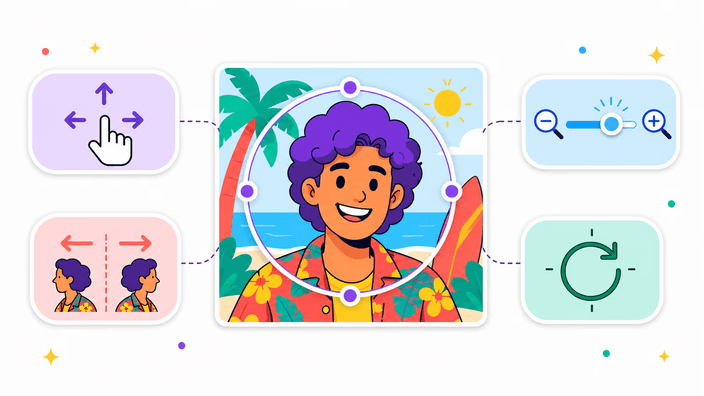
Profile photos
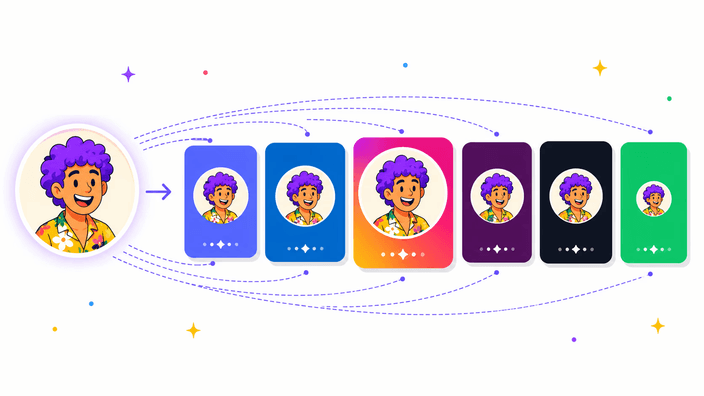
Export crisp avatars for LinkedIn, Slack, Discord, or gaming platforms in two clicks.
Circle crop any image instantly with our free online tool. 100% private, browser-based processing. No upload required.
Upload Image
Click or drag image here
JPG, PNG, BMP, WEBPSelect an image from your device
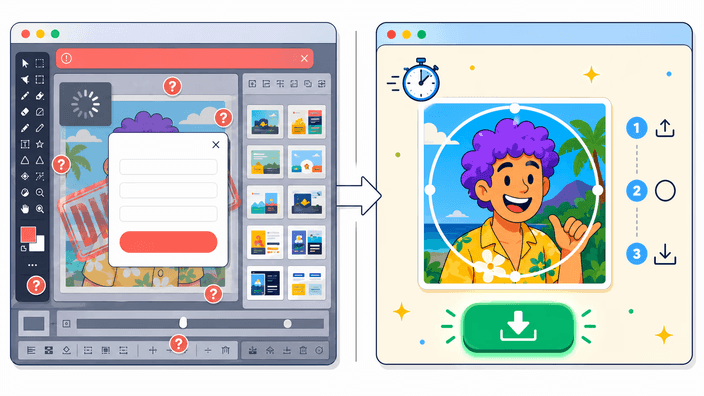
Position and resize the circle area
Get your circular cropped image
Process images instantly in your browser
Images never leave your device
No limits, no watermarks, forever free
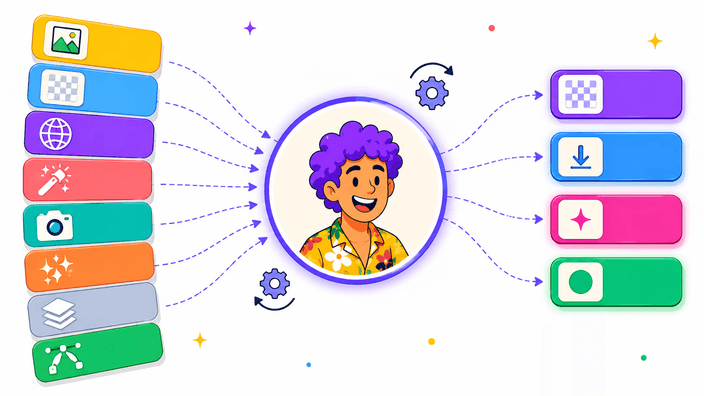
Everything you need to turn square or rectangular photos into polished circular assets for social, decks, and stores.
Export crisp avatars for LinkedIn, Slack, Discord, or gaming platforms in two clicks.
Drop perfectly rounded assets into pitch decks, UI kits, or marketing layouts without opening a bulky editor.
Keep org charts, investor updates, and internal portals consistent with matching circular portraits.
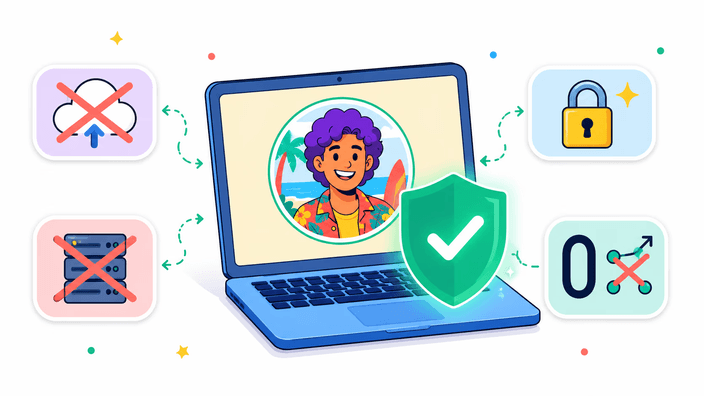
All processing happens in your browser. No server uploads, no data storage.
Instant processing without network delays. Your images never leave your device.
We don't collect, store, or track any of your images or personal data.
Perfect circular crops using advanced mathematical algorithms. Preserves original image quality up to 8K resolution.
Unlike other tools that compress to 350px, RoundCut maintains your original resolution.
Dark mode, real-time preview, zoom controls, and live pixel counter.
Available in 14 languages. Automatically detects your preference.
Upload your image, adjust the circle area, and click 'Crop Circle'. Your circular cropped image will be ready to download instantly.
Yes! RoundCut is completely free to use with no limits, no watermarks, and no registration required.
No. All image processing happens entirely in your browser. Your images never leave your device.
RoundCut supports JPG, JPEG, PNG, BMP, and WEBP image formats. The output is always PNG with transparent background.
Yes! Circle crop your photos completely free online with RoundCut. No watermarks, no size limits, no registration required.
Yes! When you circle crop images with RoundCut, the output PNG has full transparency outside the circle.
Upload your photo, position the circle over your face, adjust the size, and click 'Crop Circle'. Download as PNG with transparent background.
RoundCut preserves your original image quality (unlike other tools that reduce to 350px), works 100% in your browser for privacy, and offers professional features - all completely free.
Create perfect circular profile photos for Instagram, Facebook, Twitter, TikTok, and WhatsApp. Stand out with a polished avatar.
Round crop your headshot for LinkedIn, company websites, email signatures, and business cards. Keep it professional.
Make circular avatars for Discord, Steam, Xbox, PlayStation, and gaming forums. Transparent PNG background included.
Add circular images to presentations, flyers, posters, and UI designs. Export as PNG with transparent background.
Create circular product thumbnails for online stores, Etsy listings, and marketplace profiles.
See why RoundCut is the best free circle crop tool online.
Most circle croppers compress your image to 350px. RoundCut preserves your original resolution — up to 8K. Your photos stay sharp.
Your images are never uploaded to any server. Everything runs in your browser — unlike most online tools that process on their servers.
No account, no watermarks, no daily limits. Crop unlimited images to circles — completely free, forever.
Welcome to RoundCut, the web's leading free online tool for circle cropping images. Transform any rectangular image into a perfect circle instantly. Ideal for creating profile pictures, social media avatars, circular logos, and creative design projects. No signup required, no watermarks, completely free.
RoundCut is a free online circle crop tool that lets you crop any image into a perfect circle shape. Upload your photo, adjust the circular crop area, and download instantly. No signup required, no file upload to servers - all processing happens in your browser for maximum privacy. Supports images up to 8K resolution with transparent PNG export.
Click or drag your image file. Supports JPG, PNG, BMP, WEBP formats.
Position and resize the circular crop area over your subject.
Get your circular image with transparent background instantly.
Create perfect circular profile photos for LinkedIn, Instagram, Twitter, Facebook, WhatsApp, and other social media platforms. Most platforms display profile pictures in circular format.
Design consistent circular headshots for company websites, about pages, and organizational charts. Give your team gallery a professional, uniform appearance.
Create circular logos, badges, stickers, and decorative elements for marketing materials, presentations, and web design projects.
Use circular images for collages, photo frames, infographics, and artistic compositions. Round shapes add visual interest to any design.
Simply upload your image to RoundCut, adjust the circular crop area to frame your subject, then click 'Crop Circle'. Your circular cropped image will be ready to download instantly with a transparent background. The entire process happens in your browser - no server upload required.
Yes! RoundCut is completely free to use with no limits, no watermarks, and no registration required. You can circle crop unlimited images forever without paying anything.
Absolutely! Our circle image cropper works perfectly on all devices including iPhones, Android phones, and tablets. The responsive design adapts to any screen size for easy mobile cropping.
RoundCut supports all common image formats including JPG, JPEG, PNG, BMP, and WEBP. You can export your circular cropped image as PNG (with transparency), WEBP, or JPEG.
Yes! When you download your image as PNG or WEBP format, it will have a fully transparent background outside the circle. This makes it perfect for overlaying on any background color or design.
No. All image processing happens entirely in your browser using JavaScript. Your images never leave your device, ensuring maximum privacy and security. We don't store, collect, or have access to any of your images.
RoundCut supports images up to 8K resolution (7680x4320 pixels). Unlike other tools that limit output to 350px, we preserve your original image quality for professional results.
Upload your photo, position the circle over your face or desired area, adjust the size using zoom controls, and click 'Crop Circle'. Download as PNG for a transparent background profile picture ready for any platform.
Circle cropping, also known as circular cropping or round cropping, is an essential image editing technique that transforms rectangular images into circular shapes with transparent backgrounds. This technique is widely used for creating profile pictures, avatars, team photos, logos, and modern graphic design elements.
Our free online circle crop tool makes this process simple and accessible to everyone, regardless of technical skill level. Whether you're a social media manager preparing profile images, a web designer creating team sections, or an individual updating your professional headshot, RoundCut delivers professional results in seconds.
The circular format is universally recognized and works seamlessly across all platforms, from LinkedIn and Twitter to Instagram and Facebook. With RoundCut, you get pixel-perfect circular crops every single time, with full transparency support for flexible use across any background or design.