Notas da equipe sobre ofício, formatos e as pequenas decisões por trás de um bom resultado.
Por que o AVIF supera o PNG de forma tão decisiva no tamanho do arquivo
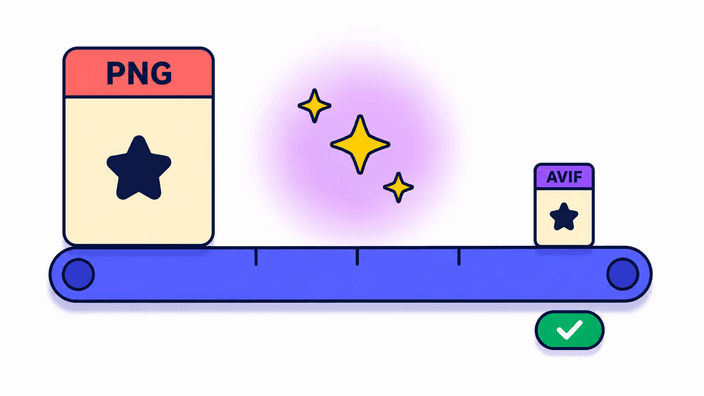
O AVIF é construído sobre o codec formato moderno de imagem, pensado para eficiência perceptiva em vez de fidelidade sem redução de qualidades. O PNG usa DEFLATE sobre dados de detalhe crus, o que é sem redução de qualidades mas deixa intacta uma redundância enorme em conteúdo fotográfico. O AVIF troca essa redundância por predição de blocos emprestada do vídeo, descartando informação que o sistema visual humano não percebe. O resultado é drástico. Uma foto de 116 quilobytes converte para cerca de 16 quilobytes em AVIF na qualidade 85, e um PNG transparente costuma encolher de 30 a 50 % contra um WebP equivalente. A diferença aumenta com fotos de alta resolução e diminui em gráficos simples. Para qualquer site que sirva imagens transparentes a um público moderno, a economia de banda vira direto carregamento mais rápido e custo de saída menor.
A história do canal alfa em detalhe
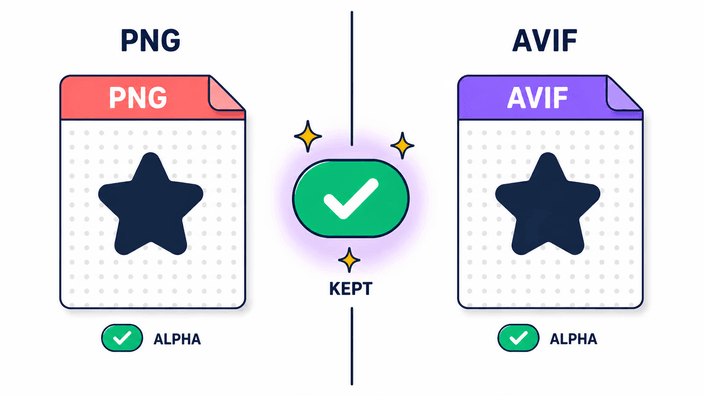
Tanto o PNG quanto o AVIF guardam a transparência num plano transparência separado, ao lado dos dados de cor. Quando esse par processa o seu PNG, a leitura separa os pixels de cor e a área transparente transparência de forma independente. A parte de AVIF então grava um novo arquivo com a sua própria trilha transparência, usando codificação de quadro interno do formato moderno de imagem para comprimir os dois planos na qualidade 85. O transparência não é assado dentro da cor e não é trocado por um preenchimento de fundo. Sombras suaves, bordas esfumadas e gradientes parcialmente transparentes são todos reproduzidos com fidelidade. A única degradação que o AVIF acrescenta é a compressão com perdas no próprio plano transparência, que pode criar uma franja quase imperceptível em volta de bordas muito duras com zoom extremo. Em tamanhos normais de exibição e na qualidade 85, a diferença não é visível. Para trabalho de ícone com precisão de detalhe em tamanhos minúsculos, guarde o PNG.
Velocidade de gravação na prática, navegador por navegador
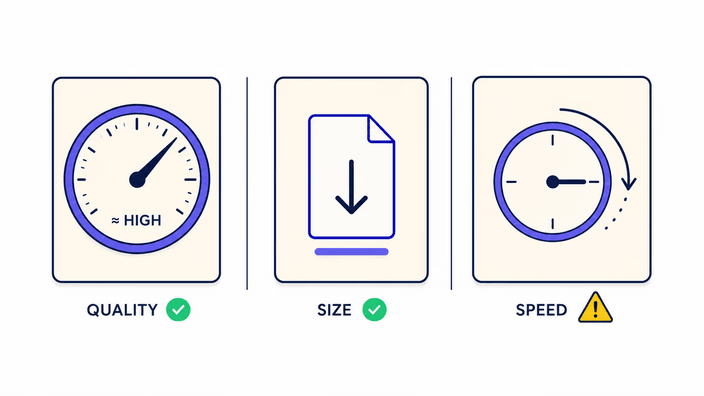
A parte de AVIF carrega uma vez por sessão do navegador, cerca de 800 milissegundos para buscar mais 300 para iniciar, então a primeira conversão carrega por volta de um segundo de aquecimento. As gravações já aquecidas pulam isso por inteiro. No Chrome de desktop, 0,12 megapixel leva cerca de 40 milissegundos, 1 megapixel em torno de 250 milissegundos e 8 megapixels uns 2,8 segundos. O Firefox é o ponto fora da curva, rodando o mesmo trabalho cerca de quatro vezes mais devagar, então uma foto em 4K pode levar 30 segundos ou mais ali. O WebKit no Safari fica entre os dois, mais perto do Chrome. Em hardware mobile mediano os números rodam de três a cinco vezes piores que o Chrome de desktop. Se você converte arquivos grandes com frequência, o Chrome num desktop ou laptop dá a melhor vazão.
Quando manter o PNG em vez de converter
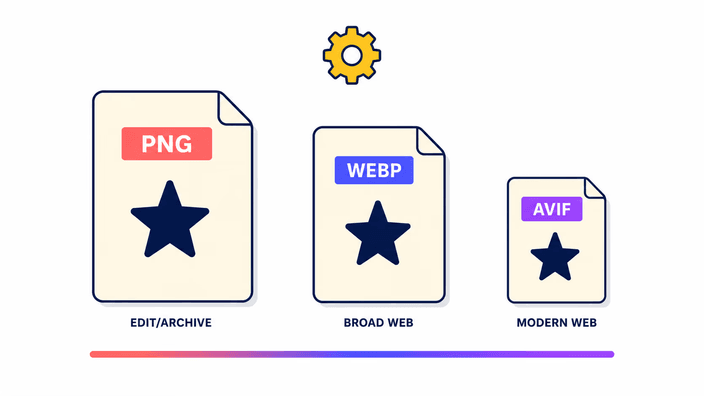
O PNG segue sendo a escolha certa em vários casos, mesmo quando o tamanho do arquivo importa. Primeiro, gráficos com texto nítido em tamanhos pequenos, como rótulos, selos ou ícones em escala de favicon, podem mostrar artefatos no AVIF que ficam inaceitáveis nas distâncias normais de visualização. Segundo, arquivos de referência usados para edição posterior devem continuar PNG, já que cada passagem por um formato com perdas acumula perda de qualidade. Terceiro, ambientes que rejeitam AVIF, incluindo alguns editores de documento, ferramentas de design mais antigas e clientes de email, precisam de PNG para interoperar. Por fim, animação além do primeiro quadro não é preservada, já que esse par lida com um único quadro. Para todo o resto, fotos e recursos gráficos transparentes que vão para a entrega web moderna, PNG para AVIF é a troca certa.
Core Web Vitals e o argumento da banda
O Largest Contentful Paint, a principal métrica de carregamento, é afetado direto pelo tamanho da maior imagem de uma página. Reduzir essa imagem de 116 quilobytes para 16 quilobytes, como medido numa foto em 4K no desenvolvimento, corta o tempo de transferência numa conexão de 10 Mbps de cerca de 93 milissegundos para cerca de 13 só naquele elemento. Multiplique isso numa grade de produtos, num carrossel de destaque ou numa interface cheia de ícones transparentes e a economia acumulada empurra o LCP bem abaixo do limite de 2,5 segundos que o Google trata como bom. A adoção do AVIF acelerou justamente porque o argumento pode ser feito em números duros. Com cerca de 94,3 % de cobertura nos navegadores, o caso de fallback é pequeno o bastante para que o ganho de banda compense a marcação extra do elemento picture.
Como isso difere de um conversor online comum
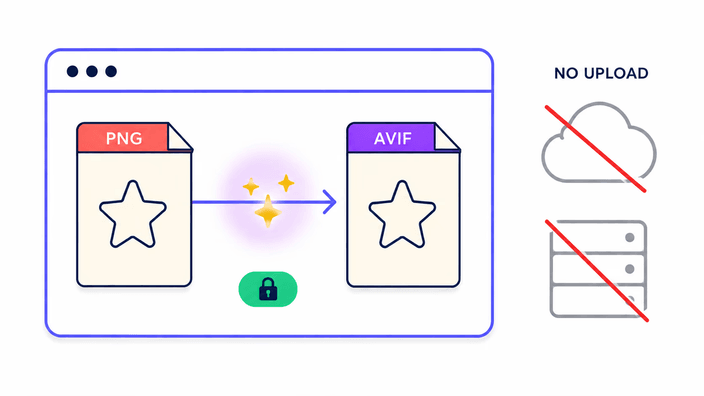
A maioria dos conversores AVIF online envia o seu PNG para máquinas que você não controla, processa lá e o guarda sob a política de retenção que aquele provedor define, que muitas vezes é vaga. O RoundCut é direto sobre o seu fluxo. Como gerar AVIF é pesado, a conversão roda no nosso servidor para o melhor resultado, com um codificador no navegador como recurso automático quando o servidor não está disponível. Quando o seu arquivo é enviado para nós, ele é convertido e depois removido em cerca de 2 horas, sem precisar de conta e sem nenhum uso além da conversão que você pediu. Não há armazenamento permanente nem compartilhamento da sua imagem. Para quem trabalha com documentos de clientes, fotografia de produto própria ou conteúdo de usuários, a versão honesta do acordo é esta: o arquivo pode passar pelo nosso servidor, é tratado só para gerar o seu AVIF e não fica por lá.