Como converter AVIF para WebP
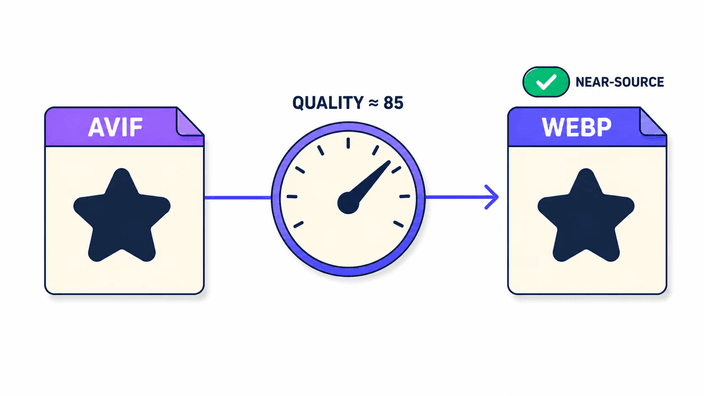
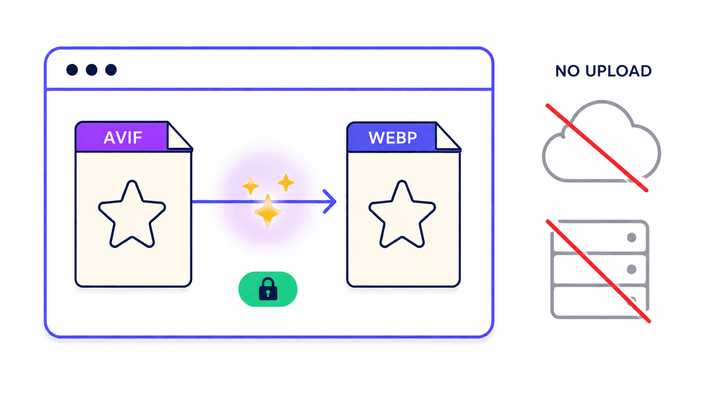
Solte um AVIF na área de upload ou clique nela para escolher um arquivo. O navegador decodifica o AVIF de forma nativa e grava os detalhes como WebP com o recurso embutido. As duas etapas são nativas, então não há módulo para carregar nem espera de aquecimento. Para a maioria das fotos em um navegador de computador, a conversão termina em menos de um segundo. Quando o WebP fica pronto, a linha de estatísticas mostra o tamanho do AVIF original ao lado do novo tamanho do WebP. Clique em Baixar para salvar no dispositivo com o mesmo nome de base e a nova extensão .webp. O WebP já fica pronto para entregar a qualquer plataforma que aceite o formato na hora.