Convert PNG to WebP

Free, in your browser — transparency kept, file gets smaller, nothing is uploaded.

or drop the image here

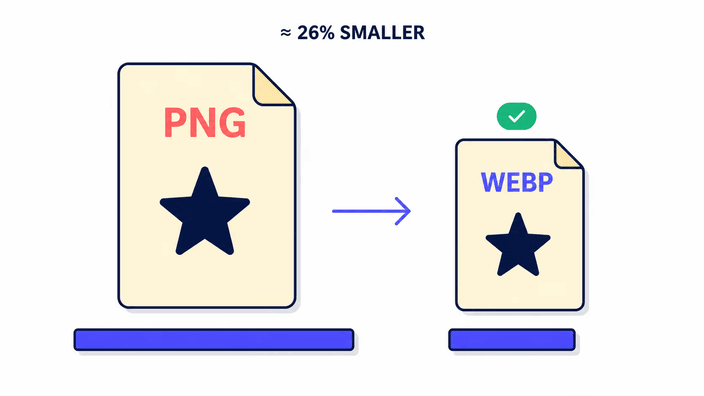
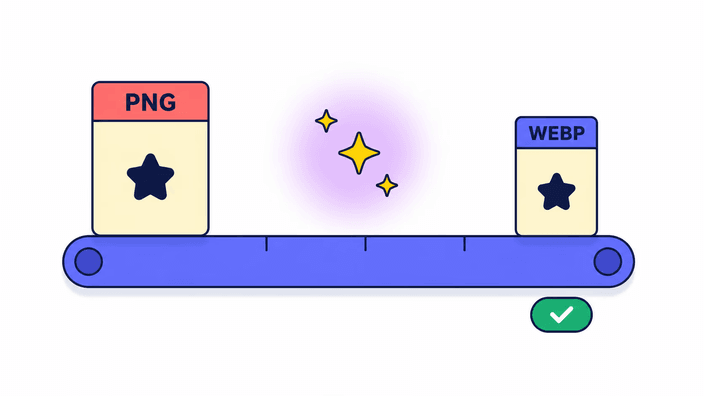
RoundCut converts PNG to WebP entirely in your browser using the platform's native image encoder. The file is never uploaded. Transparent areas of the PNG are preserved — WebP supports alpha, unlike JPG. Per Google's own WebP documentation, lossless WebP is about 26 percent smaller than the equivalent PNG, and lossy WebP with alpha can be roughly three times smaller.

How to convert PNG to WebP

Drop a PNG file on the upload area, or click to pick one from your device. The conversion runs the moment the file lands — there is no "Convert" button to chase, no progress bar to wait through. When the result is ready, the Download button saves the WebP to your device, keeping the original filename with the extension swapped. Each file runs fresh, with no queue and no server pre-processing between conversions. The same code path runs on desktop and on mobile — no app to install, no signup, no plugin. To convert another image, just drop the next one.

Transparency is kept — WebP supports alpha

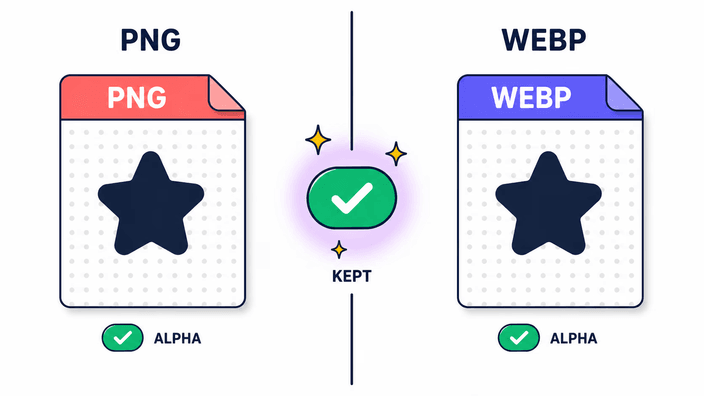
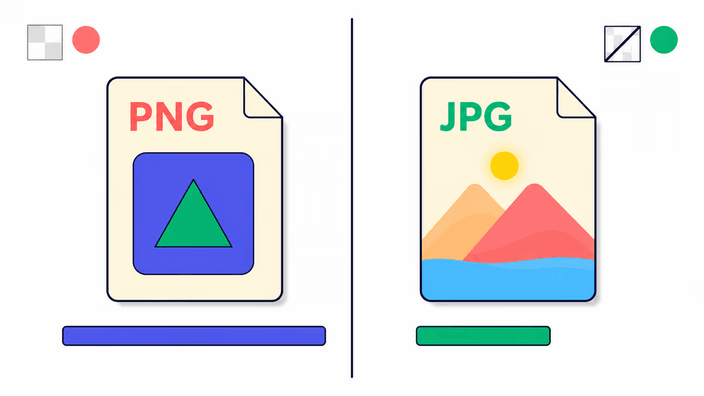
WebP has a full alpha channel, so every transparent pixel in your PNG stays transparent in the WebP output. This is the key reason to choose WebP over JPG when converting from PNG: JPG flattens transparent areas to a solid color, WebP preserves them exactly. Logos, icons, product cutouts, screenshots with rounded corners, UI mockups, anything that depends on a see-through background — all of it survives the conversion intact. There are no edges to repaint, no white halo to fix in an editor afterward, no separate "with transparency" toggle to remember. Drop the PNG, the alpha comes through.

Why switch from PNG to WebP

Smaller file size without giving up transparency or visual quality. Per Google's own WebP documentation, lossless WebP is about 26 percent smaller than the equivalent PNG, and lossy WebP with alpha is roughly three times smaller than the comparable PNG. Smaller images load faster, which directly helps Largest Contentful Paint — one of Google's Core Web Vitals and a known ranking signal. PageSpeed Insights flags PNG as a "next-gen format" opportunity in its image-format audit; switching to WebP is the direct fix for that audit item. Browser support for WebP is universal across Chrome, Firefox, Safari, and Edge.

Quality and file size

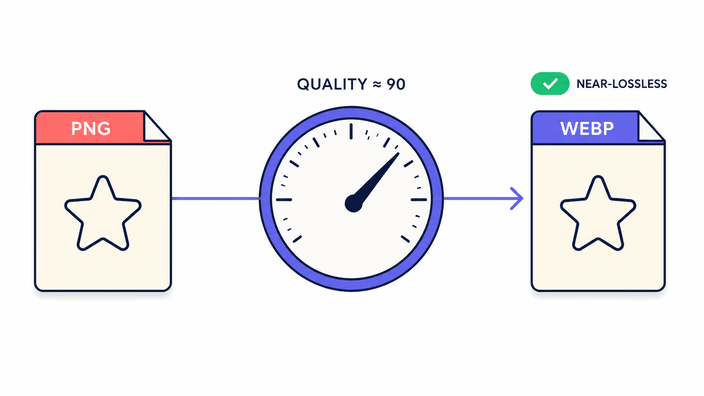
The WebP output is encoded at a near-lossless setting tuned for photographs and graphics — visually indistinguishable from the source PNG to the naked eye. WebP at this setting is still technically lossy, meaning some bit-level detail is discarded, so for pixel-perfect work like medical imaging or archival masters, keep the original PNG and treat the WebP as the export. Typical reductions land between fifty and seventy percent on photographs, on top of the structural gain WebP already has over PNG. There is no quality slider in this version — the chosen near-lossless setting is what every conversion uses, and it is the same on every browser.

Your privacy

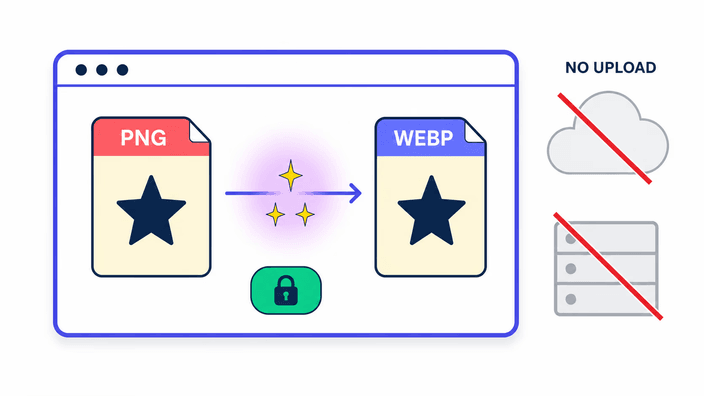
The conversion runs in the browser's native image engine, on your device, in your tab. Nothing is uploaded, nothing is logged, nothing is queued on a server. If you open DevTools and watch the Network panel while you convert, you will see zero outbound image requests during the conversion itself. The same code path runs on every browser — there is no server fallback, no "basic mode" that quietly switches lanes. Your PNG, your WebP, your device. No signup, no account, no email collected, no watermark added. Close the tab and nothing of your file remains anywhere on our infrastructure.

Frequently asked questions

Does converting PNG to WebP lose quality?

At our fixed near-lossless setting, photos and graphics are visually indistinguishable from the source PNG to the naked eye. WebP at this setting is technically lossy — some bit-level detail is discarded versus the original PNG. For typical web use, logos, icons, and photographs, that loss is invisible. For pixel-perfect or archival work, keep the original PNG and treat the WebP as the export. The PNG itself remains untouched on your device — the conversion produces a new file, it does not modify the source.

Will transparency be preserved when converting PNG to WebP?

Yes. WebP supports a full alpha channel, so transparent areas in your PNG stay transparent in the WebP output. This is the main reason to pick WebP over JPG when starting from a PNG: JPG has no alpha and must flatten transparency to a solid color, WebP keeps it exactly as it was. Logos, icons, product cutouts, and any image with a see-through background survive the conversion intact. There is no separate "keep transparency" toggle — alpha simply passes through every conversion.

Why convert PNG to WebP?

Smaller files without losing transparency or visual quality. Per Google's WebP documentation, lossless WebP is around 26 percent smaller than the equivalent PNG, and lossy WebP with alpha can be roughly three times smaller. Smaller images improve Largest Contentful Paint, one of Google's Core Web Vitals and a known ranking signal. PageSpeed Insights flags PNG as a "next-gen format" opportunity in its image-format audit, and switching to WebP is the direct way to resolve that audit item for both speed and ranking. Browser support is universal across Chrome, Firefox, Safari, and Edge.

Is it safe to convert PNG to WebP online?

Your file never leaves your browser. The conversion runs entirely on your device using the platform image engine — no upload, no server, no data collection, no telemetry on file contents. You can verify it with DevTools open: there are zero outbound image requests during conversion. The same code path runs on every browser, with no server fallback that might quietly route your file elsewhere. The PNG stays on your machine, and so does the WebP until you click Download to save it locally.

How much smaller is WebP than PNG?

Per Google's official WebP documentation, lossless WebP is around 26 percent smaller than the equivalent PNG, and lossy WebP with an alpha channel is roughly three times smaller than comparable PNG. The exact ratio depends on the image content — solid graphics with transparency see the biggest gains, while heavily detailed photos see smaller but still meaningful reductions. Either way, the WebP is smaller and the transparency is preserved. The output size shows on the Download button once the conversion finishes.

Can I convert multiple PNG files to WebP at once?

Not yet — the current version converts one file at a time. Batch conversion is planned for a later release. For now, drop each PNG individually; each conversion is fast and runs entirely on your device, so there is no upload queue, no server-side rate limit, and no waiting between files. Drop one, download, drop the next. The engine has no warm-up cost between conversions, so doing five files in a row is just as quick as doing one.