Convert AVIF to PNG

Free, in your browser — your image never leaves you. Transparency is preserved.

or drop the image here

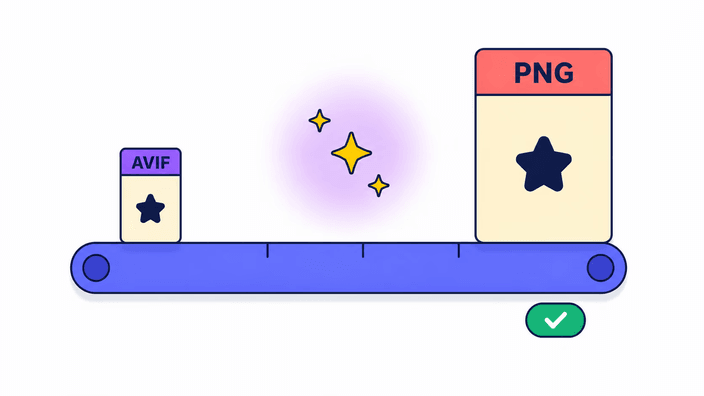
RoundCut converts AVIF to PNG entirely in your browser using the native AVIF decoder and the platform's PNG encoder. The file is never uploaded. Transparency is preserved — the alpha channel survives the conversion. The output is a lossless PNG, which means the file will be noticeably larger than the original AVIF by design.

How to convert AVIF to PNG

Drop an AVIF file on the upload area (or click to pick one). The conversion runs the moment the file lands — there is no "Convert" button to chase. Your browser decodes the AVIF natively (Chrome, Firefox, Safari 16 and later all read AVIF without any plugin), then the pixels are re-encoded as a lossless PNG using the platform's built-in encoder. When the result is ready, the stats line shows the input and output size, and the Download button saves the PNG to your device with the same filename and a new .png extension.

Transparency is preserved

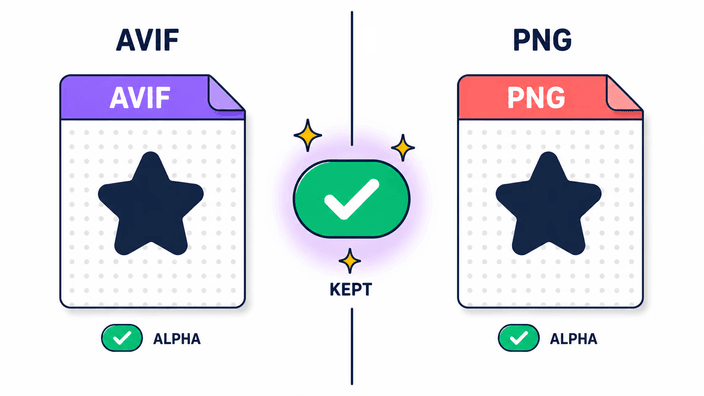
Both AVIF and PNG support a full alpha channel, so the conversion keeps every transparent pixel exactly as it was. Nothing is flattened, no background color is painted in, no edge is filled. If your AVIF has a cut-out subject on a transparent canvas, the PNG you download has the same cut-out on the same transparent canvas — ready to drop into a design, a slide deck, or a webpage with any background behind it. This is the clean opposite of converting to JPG, which has no alpha channel and replaces every transparent pixel with a solid color.

Why is the PNG file larger?

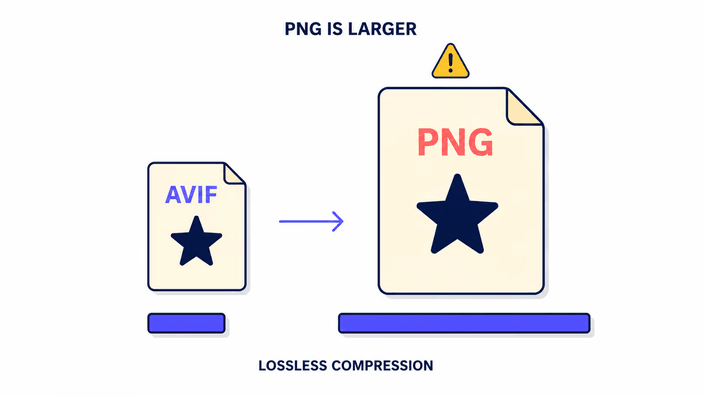
AVIF uses aggressive lossy compression — that is its whole point. PNG records every pixel without lossy compression — that is its whole point. When you convert from AVIF to PNG, the file grows, often three to ten times the original size. This is expected and not a sign that anything went wrong. You are trading bytes for universal compatibility and a lossless re-save that any tool ever made can open. If a small file size matters more than universal opens, keep the original AVIF; if compatibility matters more, the larger PNG is the right trade.

AVIF and PNG — when to use each

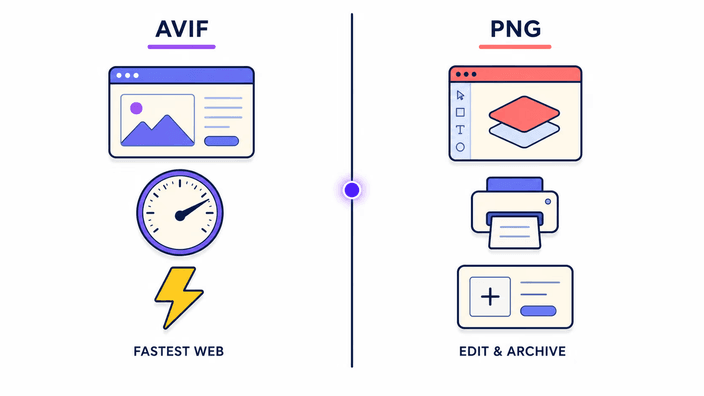
Keep AVIF for shipping images on a modern website where every kilobyte counts and you control the audience's browser. Switch to PNG when you need a file that opens everywhere: older image viewers, email clients, design tools, document editors, forums, content management systems, and pre-2025 versions of Photoshop that have not added AVIF support yet. PNG is the universal answer when the AVIF you have refuses to display in the tool you actually need to use. It is also the safe choice when you plan to keep editing the image and want a lossless intermediate.

Your privacy

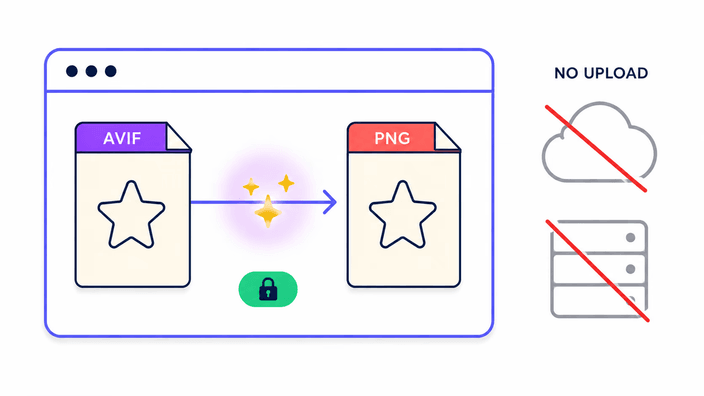
The conversion runs in the browser's native image engine. Nothing is uploaded, nothing is logged, nothing is queued on a server. If you open DevTools and watch the Network panel while you convert, you will see zero outbound image requests. The same code path runs on every browser — there is no server fallback that quietly ships your file somewhere when the local one struggles. No upload means no retention period to worry about, no third party that ever sees your file, and no shared queue that could leak it.

Frequently asked questions

Does converting AVIF to PNG preserve transparency?

Yes. Both AVIF and PNG support a full alpha channel, so transparent areas in your AVIF stay transparent in the PNG. Nothing is flattened, no background fill is added, no edge is altered. Unlike converting to JPG (which has no alpha channel and turns transparency into a solid color), AVIF to PNG keeps the cut-out intact and ready to layer over any background.

Will I lose quality when converting AVIF to PNG?

The conversion itself does not lose any quality. PNG is lossless — it records every pixel exactly as your browser decoded it from the AVIF. If the original AVIF was created with lossy compression, that compression happened earlier when the AVIF was first encoded; saving as PNG does not discard anything further and does not recover what AVIF already threw away.

Why is the PNG file larger than the AVIF?

AVIF uses aggressive lossy compression to shrink files dramatically. PNG stores every pixel losslessly. When you convert from AVIF to PNG, the file grows by design — often three to ten times the original size. This is expected behavior, not a bug. You are buying universal compatibility and a lossless save in exchange for the larger file.

Why can't I open my AVIF file?

AVIF is a modern format that many older tools still do not support, including pre-2025 versions of Photoshop, most email clients, Microsoft Word, some forum software, and several content management systems. PNG opens in every image viewer ever made. Converting to PNG is the fastest way to make the image usable wherever you need it.

Can I convert animated AVIF files to PNG?

This tool processes only a single frame — the first frame of an animated AVIF. Subsequent frames in an animated sequence are not carried through, and PNG itself is a still image format that cannot hold a frame sequence. If you need animated output, use a dedicated APNG or GIF converter that is built for animation.

Is it safe to convert my AVIF file here?

Your file never leaves your browser. The conversion runs entirely on your device using the platform image engine — no upload, no server, no data collection. You can verify it with DevTools open: there are zero outbound image requests during conversion. No upload means no data breach, no retention period, no third party ever sees your file.